Understanding Your Wi-Fi Reach
First things first, you need to know your router's limits. Most routers struggle to send signals through walls, especially thick ones. So, if your garage or backyard is far from your router, you might be dealing with weak or nonexistent Wi-Fi. Don't worry, though. There are ways to boost your signal.
Check Your Current Setup
Before running out to buy new gadgets, take a look at your current setup. Here are a few things to check:
- Router placement: Is your router in a central location? If not, moving it can make a big difference.
- Obstructions: Are there too many walls or large objects blocking the signal? Consider what’s in the way.
- Wi-Fi channels: Sometimes, interference from neighbors can mess with your signal. Check if you can switch to a less crowded channel.
Simple Ways to Extend Your Wi-Fi
Alright, now let’s talk about some easy solutions to get that Wi-Fi to your garage or backyard.
1. Move Your Router
This is the simplest fix. If your router is in a corner of your house, move it to a more central spot. Higher locations tend to work better, so if you can, place it on a shelf. Just make sure it’s not near any electronics that could cause interference.
2. Use a Wi-Fi Range Extender
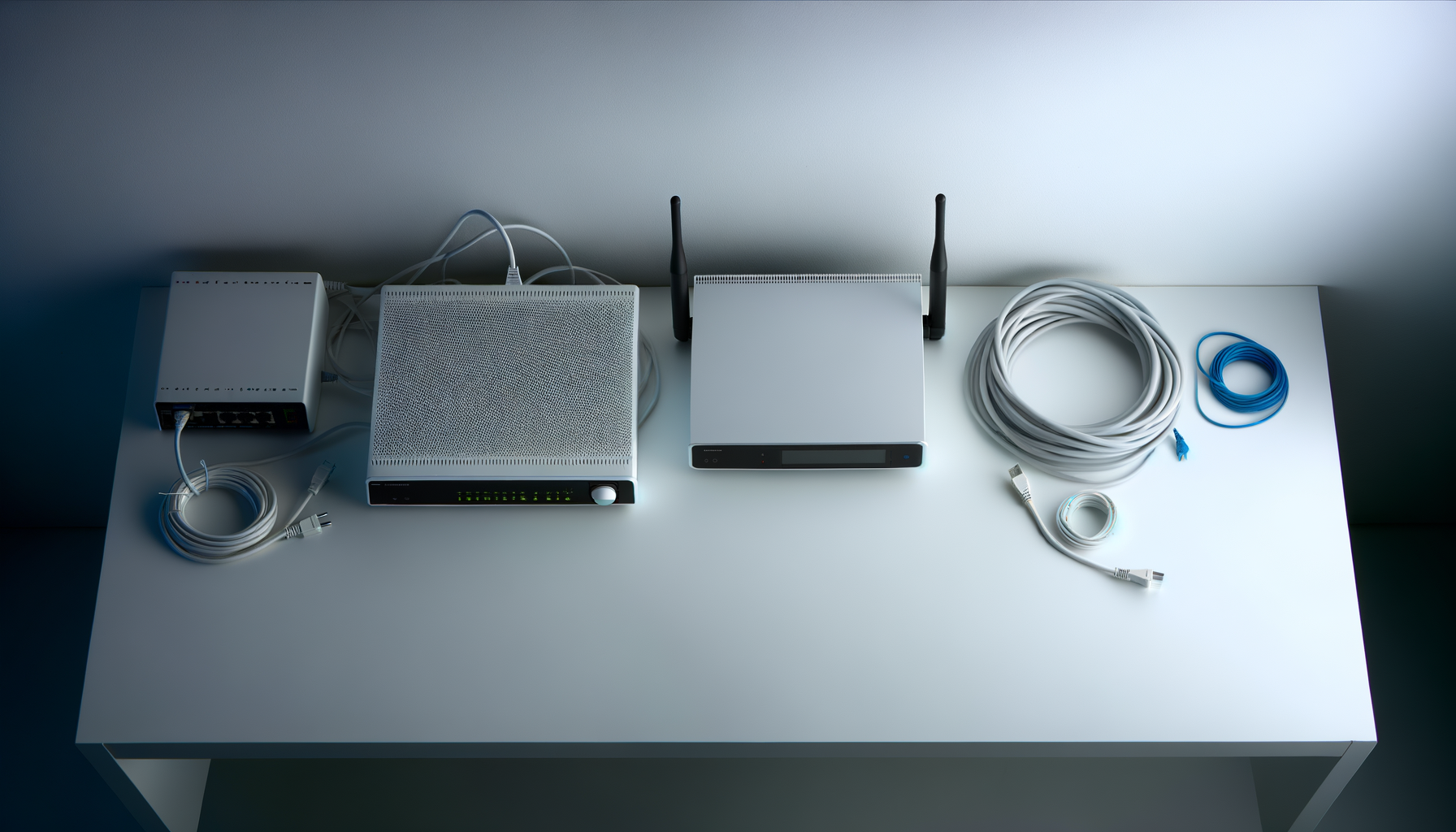
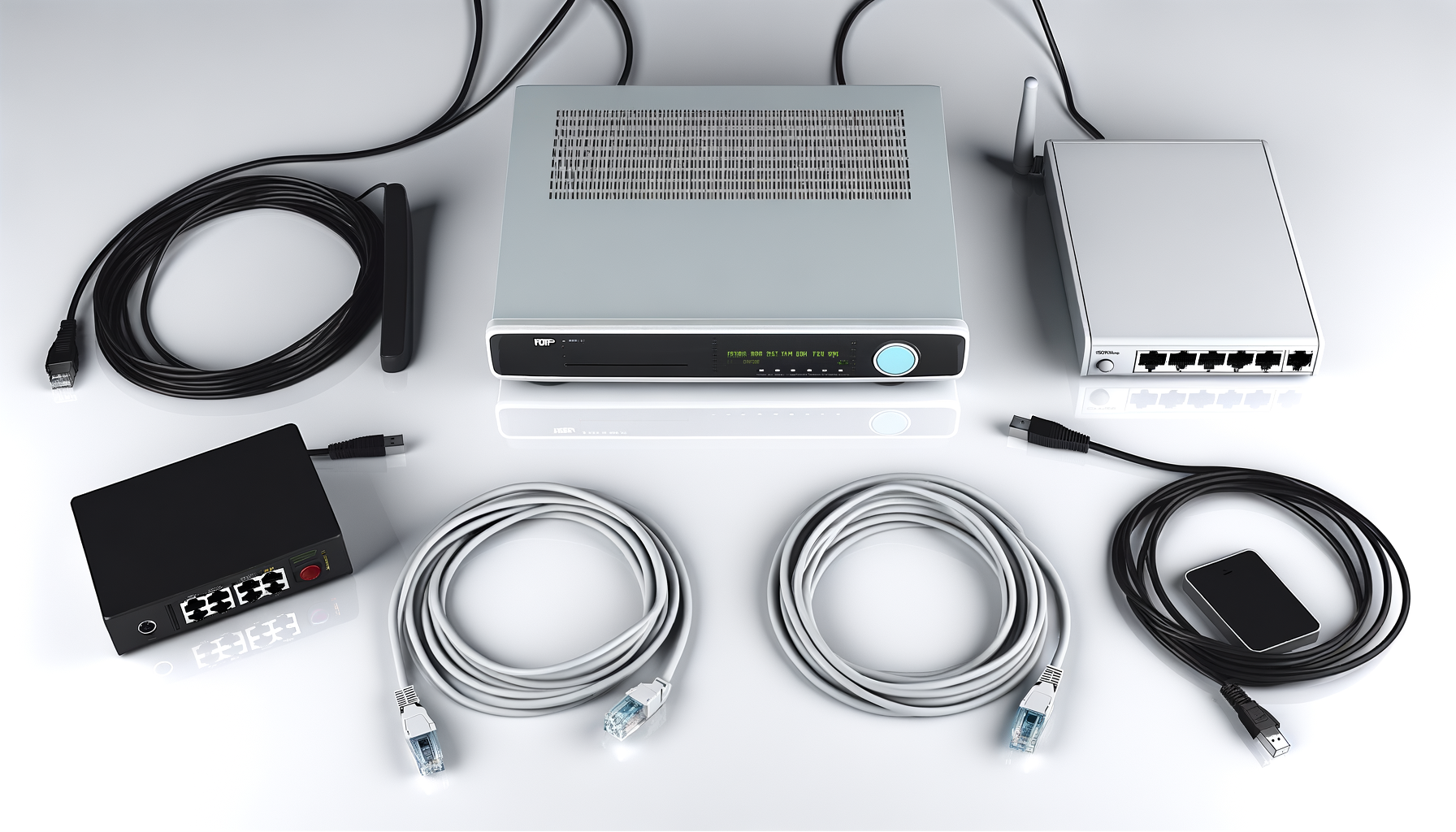
A Wi-Fi range extender can pick up your existing signal and boost it. It’s like giving your Wi-Fi a megaphone. When setting one up, place it halfway between your router and the area where you need better coverage. Most extenders are pretty straightforward to install, and they can make a noticeable difference.
3. Consider a Mesh Network
If you’ve got a larger property or multiple buildings, a mesh network might be the way to go. These systems use multiple devices to create a single Wi-Fi network. They work together to blanket your whole yard and garage with a strong signal. It’s a bit pricier, but worth it if you need reliable coverage everywhere.
4. Use Outdoor Access Points
Outdoor access points are designed to work outside. They’re weatherproof and can transmit signals much further than regular routers or extenders. You’ll need to run an Ethernet cable from your router to the access point, but once it’s set up, you’ll have solid Wi-Fi in your garage or backyard.
5. Upgrade Your Router
If your router is a few years old, it might be time for an upgrade. Newer models come with better technology that can handle more devices and provide better coverage. Look for routers that support the latest Wi-Fi standards, like Wi-Fi 6. They’re designed to give you more range and speed.
Tips for Optimizing Your Network
Now that you know how to extend your Wi-Fi, let’s make sure it’s running as smoothly as possible.
1. Secure Your Network
Make sure your Wi-Fi is password protected. This keeps unwanted guests off your network, which can slow things down. Use a strong password that combines letters, numbers, and symbols.
2. Limit Connected Devices
Too many devices connected at once can bog down your network. If you have a lot of smart devices, consider whether you really need them all online at the same time. Disconnect devices that aren’t in use.
3. Regularly Restart Your Router
Just like your computer, your router can benefit from a restart. Rebooting it every now and then can clear up any issues and improve performance.
Testing Your Wi-Fi Signal
Once you’ve made some changes, it’s time to test your signal strength. You can use free apps like Speedtest or WiFi Analyzer on your phone to see how well your network is performing. Walk around your yard and garage to check signal quality and speed.
Conclusion
Getting Wi-Fi in your garage or backyard doesn’t have to be a hassle. With a few simple changes and the right tools, you can enjoy a strong signal wherever you need it. Don’t forget, sometimes the simplest solutions can make the biggest difference. Happy surfing!