 Troubleshooting
Limited Connectivity on Windows: How to Restore Full Access
Limited connectivity on Windows can be frustrating. Here are some easy steps to help you restore full access and get back online.
Found 33 articles with this tag
Troubleshooting
Limited connectivity on Windows can be frustrating. Here are some easy steps to help you restore full access and get back online.
 Tips & Tricks
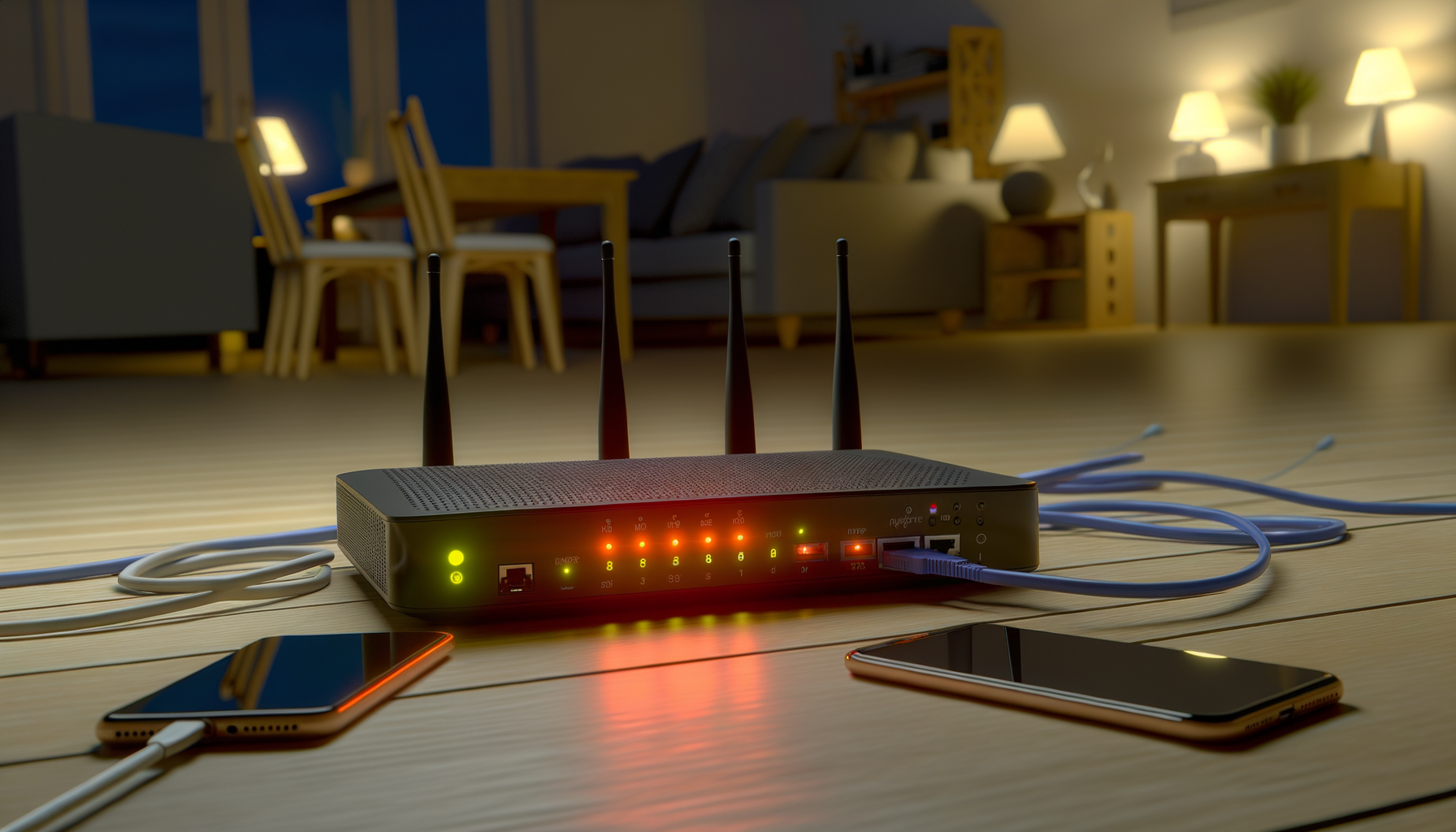
Tired of your router acting up? Setting up automatic reboots can save you some hassle. Here’s a simple guide to get it done.
 Setup Guides
Struggling to access your router's admin panel? Don't worry, it's easier than you think. Here’s a simple guide to get you in and tweak your settings.
 Troubleshooting
DNS server not responding? Don't panic. Here are some quick fixes to help you get back online without losing your mind.
 Tips & Tricks
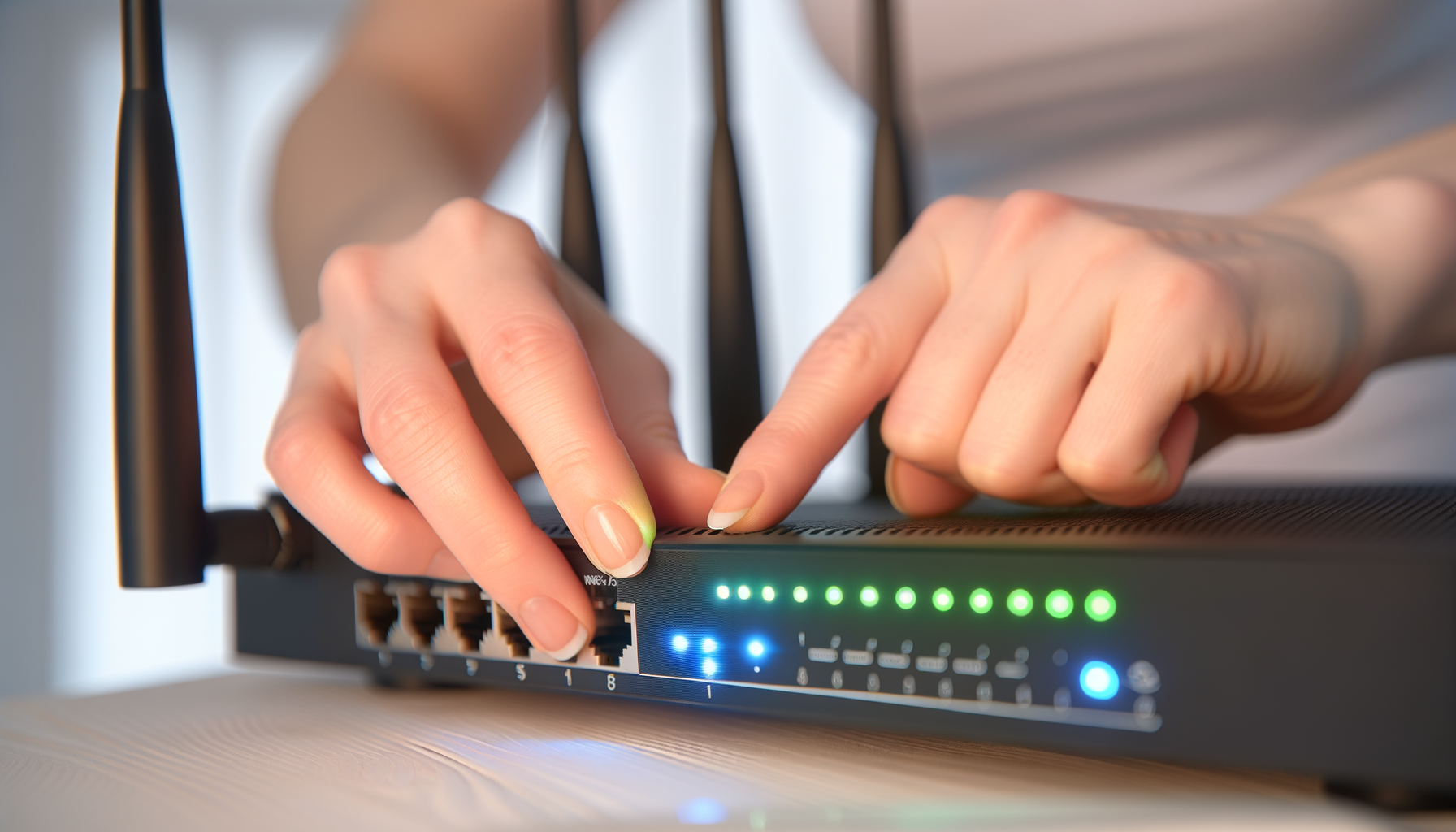
Got an old router lying around? You can turn it into a Wi-Fi extender. Here’s how to boost your signal and cover those dead spots in your home.
 Security
Changing your default router password is a simple step that can boost your network security. Let's break down why it's important and how to do it.
 Wi-Fi Optimization
Want better Wi-Fi in your garage or backyard? You're not alone. Let's explore some easy ways to extend your Wi-Fi coverage and enjoy a strong signal wherever you are.
 Setup Guides
Changing your router's DNS settings can speed up your internet and improve security. Let’s break down how to do it step by step.
 Troubleshooting
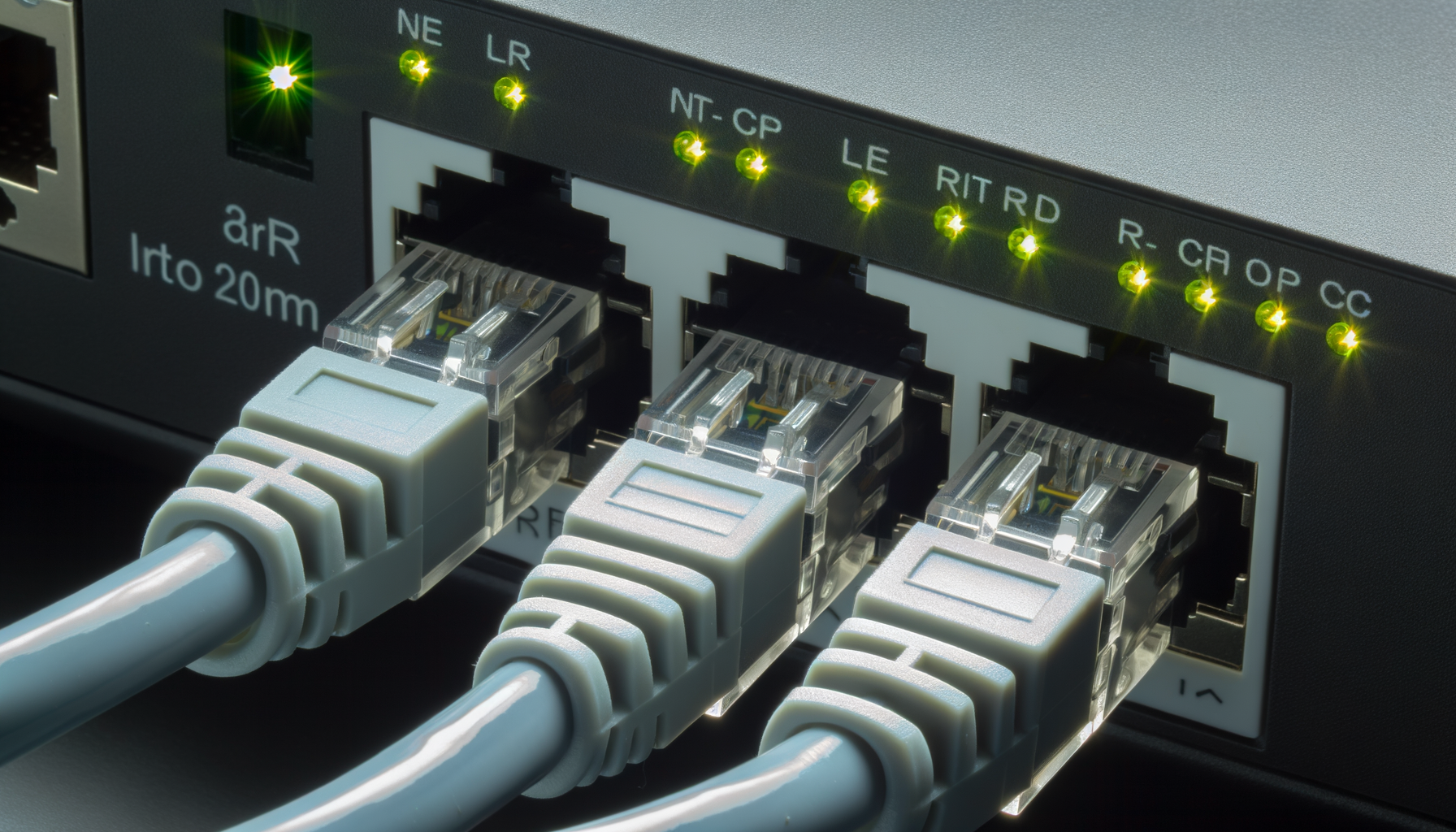
Router not showing up in your network? You're not alone. Let's troubleshoot this issue together with some simple and effective steps.
 Tips & Tricks
Router lights got you confused? You're not alone. Let's break down what those blinking lights really mean and how to troubleshoot your wifi issues.
 Tips & Tricks
Wondering who's stealing your Wi-Fi? Let's figure out how to check which devices are connected to your network in a few simple steps.
 Security
Router feeling a bit off? You might have malware. Here’s how to spot it and kick it to the curb.