No Internet Light on Router: What It Means and How to Fix It
So, you’re sitting there, trying to stream your favorite show or finish that important work email, and suddenly you notice that dreaded no internet light on your router. Frustrating, right? Don’t panic. Let’s figure out what’s going on and how to fix it.
What Does It Mean?
The internet light on your router is pretty much your best friend. When it’s lit up, everything is good to go. No light? That usually means one of a few things:
- No Connection to the Internet: Your router might not be getting a signal from your internet service provider (ISP).
- Service Outage: Sometimes, your ISP has issues. You might not be alone in this.
- Router Issues: Your router might be having a bad day. It happens.
- Wiring Problems: There could be a loose cable or a damaged line somewhere.
Quick Steps to Troubleshoot
Before you throw your hands up in frustration, let’s try some simple fixes.
1. Check Your Cables
First things first. Make sure all cables are connected properly. Look for:
- The power cable. Is it plugged in?
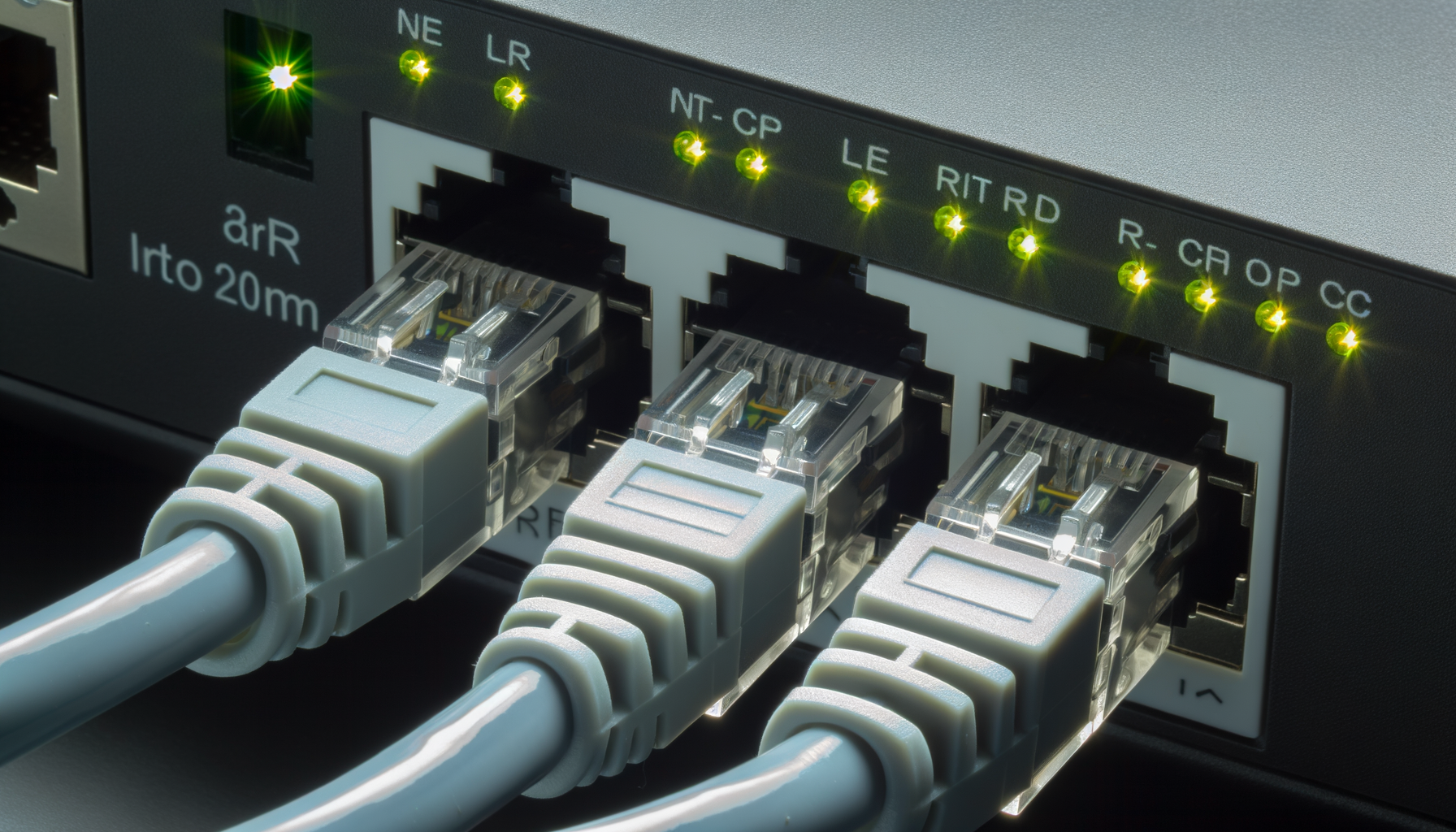
- The Ethernet cable. Is it firmly connected to the modem and the router?
- The phone line or coax cable (depending on your service). Is it secure?
Sometimes, just unplugging and replugging these cables can do wonders.
2. Restart Your Router
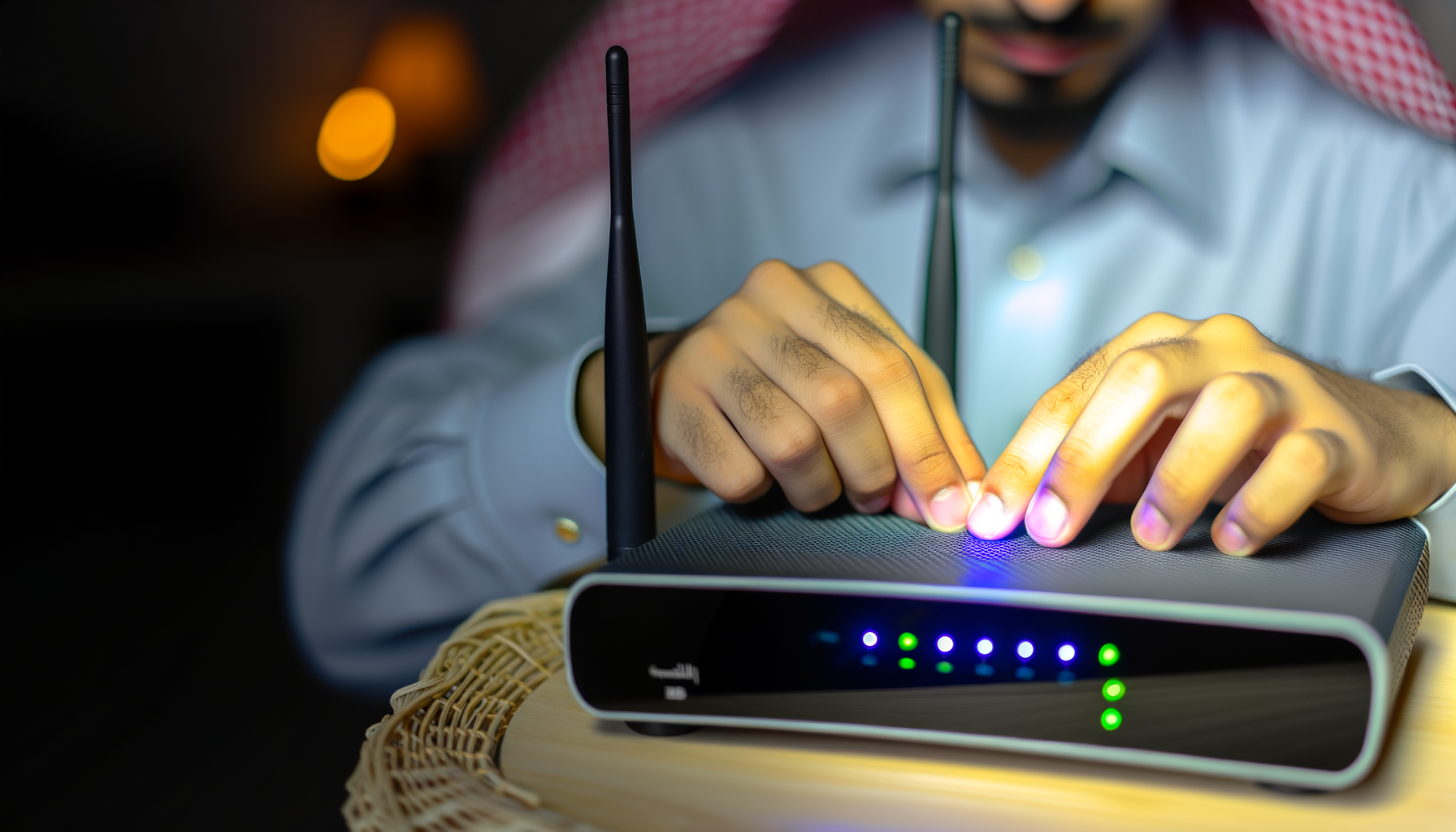
This is the classic “turn it off and on again” move. Unplug your router from the power source, wait about 30 seconds, and then plug it back in. Give it a few minutes to boot up. Check the internet light again.
3. Restart Your Modem
While you’re at it, go ahead and restart your modem too. It’s like giving both devices a little vacation. Unplug it, wait, and then plug it back in.
4. Check for Service Outages
Sometimes the issue isn’t on your end. Grab your phone and check your ISP’s website or their social media pages. They often post updates about outages. You can also call their customer service to see what’s up.
5. Update Router Firmware
Outdated firmware can cause connectivity issues. Log into your router’s admin panel and check if there are any updates available. You’ll usually find this option under settings or administration. Just follow the prompts to update.
6. Reset Your Router
This is a last resort, but sometimes it’s necessary. You’ll find a small reset button on the back of your router. Press and hold it for about 10 seconds. This will restore your router to factory settings.
Be aware that you’ll have to set up your network again. Make sure you have your Wi-Fi name and password handy.
When to Call for Help
If you’ve tried all these steps and still see that pesky no internet light, it might be time to call your ISP. There could be a bigger issue at play, like a problem with the lines outside your house or even a faulty modem.
When you call, be ready to explain what you’ve already tried. This can save you time and help them diagnose the problem faster.
Preventing Future Issues
Once you get everything back up and running, there are a few things you can do to minimize future issues.
- Keep Your Router Updated: Regularly check for firmware updates.
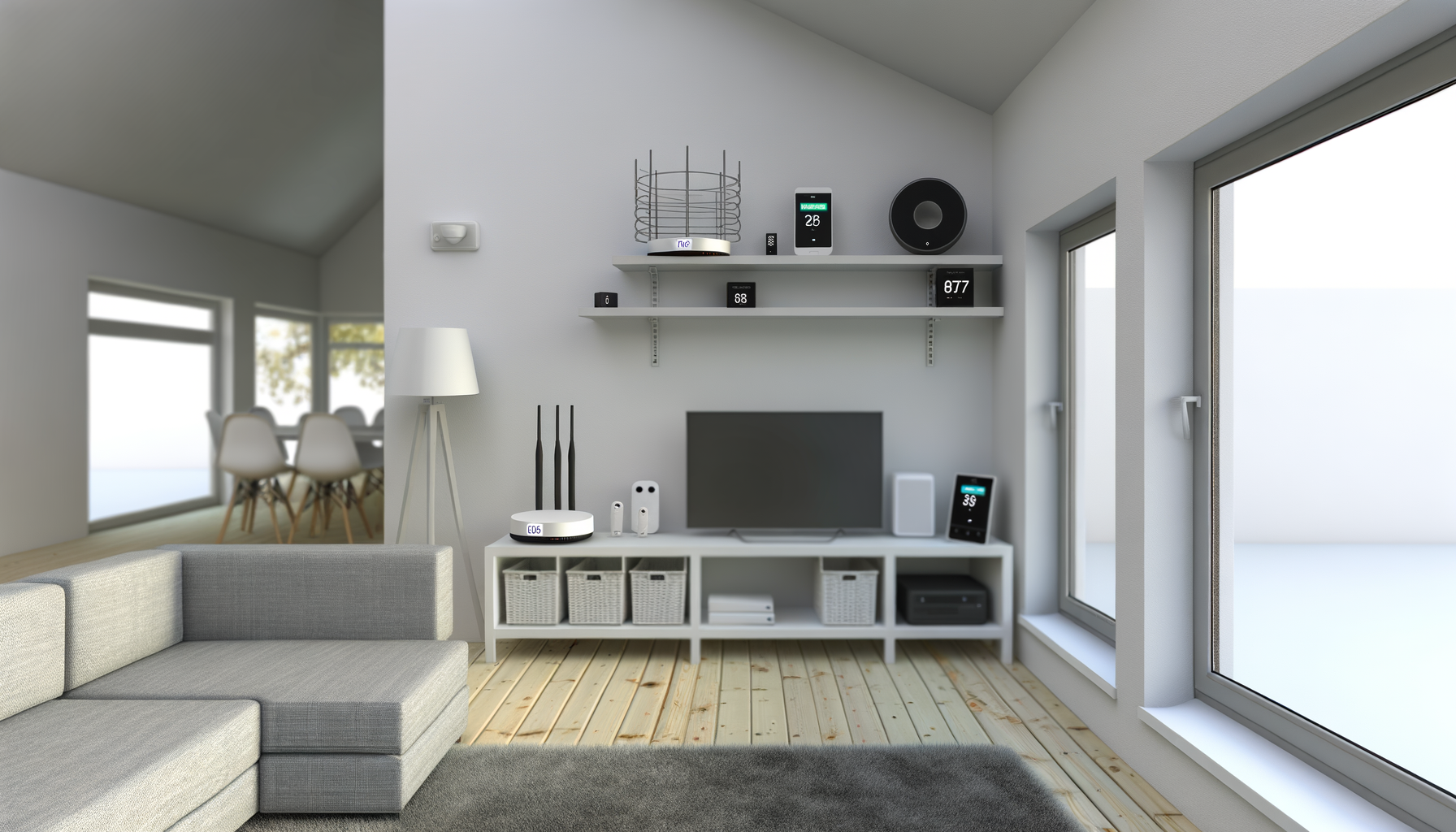
- Place Your Router Wisely: Make sure it’s in a central location in your home, away from walls and obstructions.
- Consider a UPS: A Uninterruptible Power Supply can help keep your router running during power outages.
Remember, every router has its quirks. Getting familiar with yours can make troubleshooting easier down the line.
Conclusion
Seeing no internet light on your router can be frustrating, but it’s often a fixable problem. With a little patience and these handy tips, you should be back online in no time. Good luck, and may your streaming be smooth and your downloads quick!