Why Does My Router Keep Restarting?
Dealing with a router that restarts on its own can feel like a never-ending cycle of frustration. One moment, you’re streaming your favorite show, and the next, your router is rebooting like it’s trying to win an Olympic medal in the restart event. Don't worry, you're not alone. Let's figure out why this is happening and how to fix it.
Common Causes of Router Reboots
There are several reasons your router might be acting up. Here are some of the most common culprits.
1. Overheating
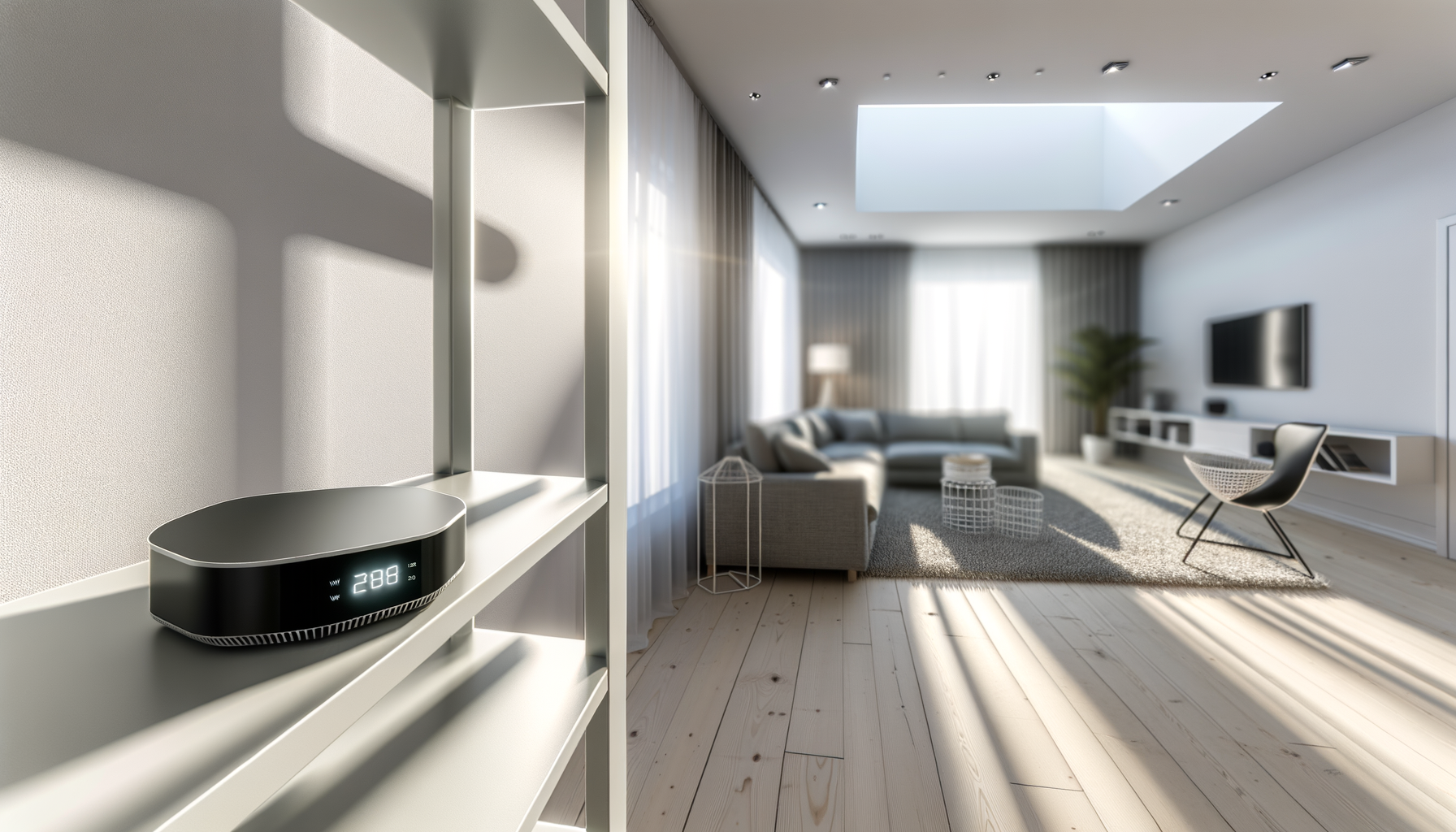
Routers generate heat, and if they get too hot, they may restart to cool down. This is especially common if your router is stuffed in a corner or covered with clutter. Make sure it has good airflow.
2. Power Supply Issues
A faulty power supply can cause random restarts. If your router's power adapter is damaged or not plugged in securely, it could lead to interruptions. Check the cable for wear and tear. If it looks suspicious, consider replacing it.
3. Firmware Problems
Just like your phone needs updates, so does your router. Outdated or buggy firmware can cause instability. Check your router's settings to see if an update is available. It might fix the restart issue.
4. Network Congestion
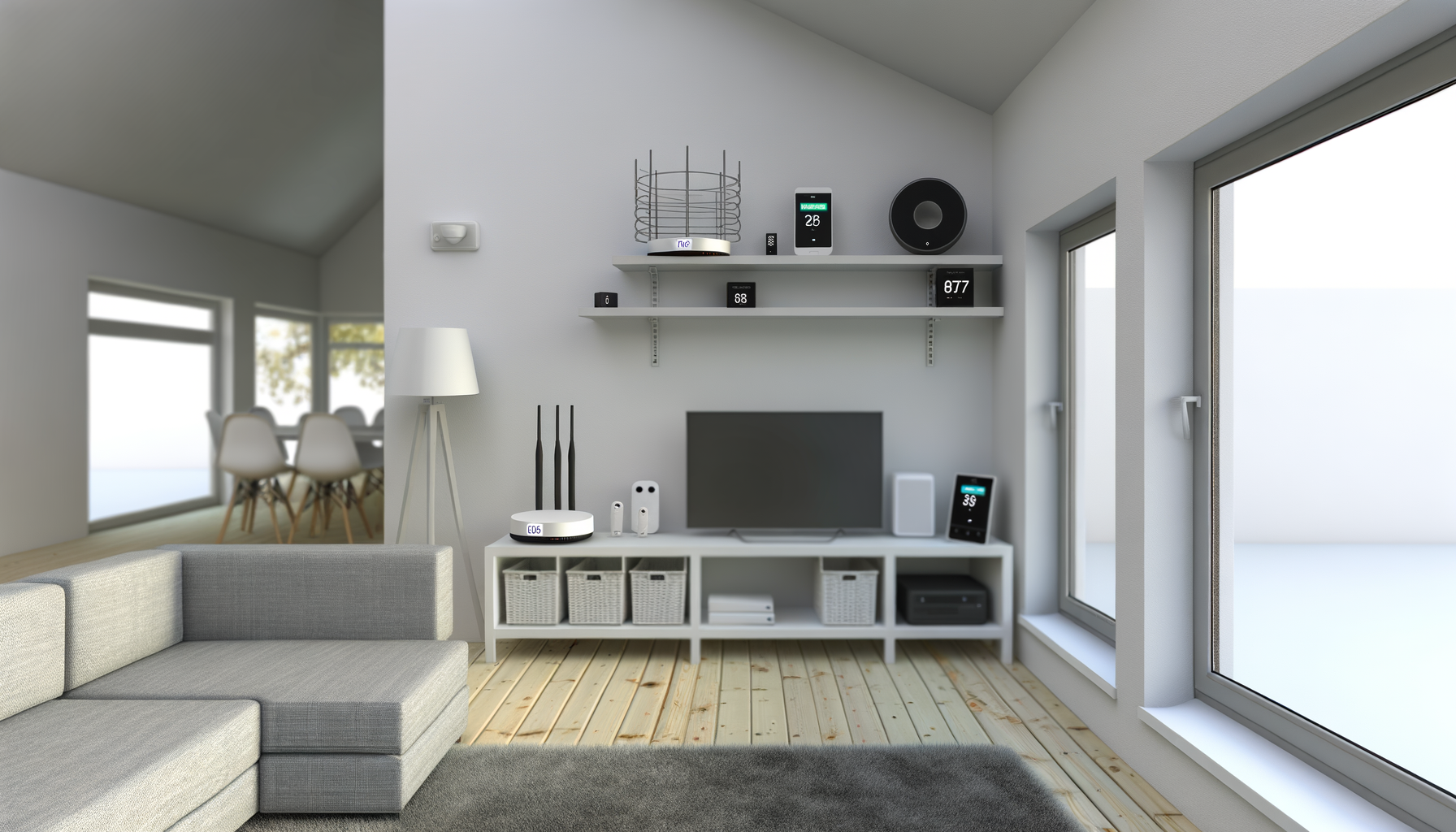
Too many devices connected at once can overwhelm your router. If you’ve got a house full of gadgets, this might be the reason. Try disconnecting some devices to see if that helps.
5. Hardware Failure
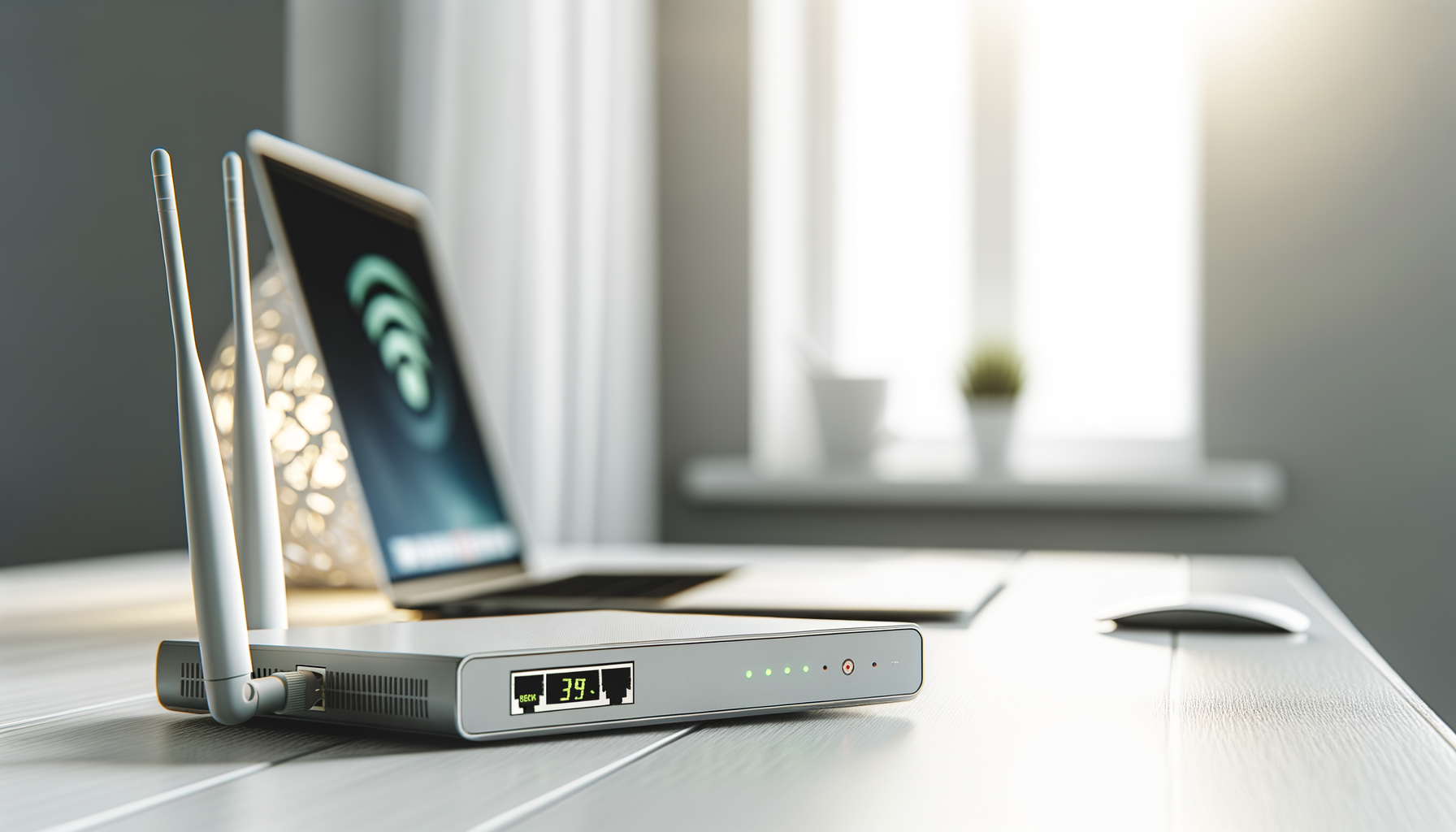
Sometimes, it’s just plain old hardware failure. If your router is a few years old, it might be time for a replacement. Look for any unusual lights on the device that could indicate a problem.
6. ISP Issues
Your Internet Service Provider (ISP) might be having issues too. It’s worth checking their website or calling customer support to see if there are any outages in your area.
How to Fix the Restarting Router
Now that we’ve identified some common causes, let’s talk about what you can do to fix the problem.
1. Keep It Cool
Make sure your router is in an open area where air can circulate. Avoid putting it near heat sources or in tight spaces. You might even consider getting a small fan to help keep it cool.
2. Check the Power Supply
Inspect the power cable for any damage. Make sure it's plugged in properly. If you suspect it’s faulty, try using a different power adapter that matches your router’s specifications.
3. Update the Firmware
Log in to your router’s settings (usually done through a web browser). Look for a section on firmware updates. Follow the instructions to apply any updates. After updating, restart your router to see if it helps.
4. Limit Connected Devices
Check how many devices are connected to your network. Disconnect any that aren’t in use. You might even set up a guest network for friends to keep your main network less congested.
5. Reset the Router
Sometimes a simple reset can do wonders. Find the reset button on your router (it’s usually a small hole). Press and hold it for about 10 seconds to restore factory settings. Just remember, you’ll need to set everything up again afterward.
6. Contact Your ISP
If none of these fixes work, reach out to your ISP. They can run diagnostics on your connection to see if there are any issues on their end. Sometimes, they might even send a technician to check your setup.
When to Replace Your Router
If you’ve tried everything and your router still keeps restarting, it might be time for a new one. Look for a router that suits your needs. Consider speed, range, and the number of devices you’ll connect.
Signs It's Time for a New Router
- Your router is more than 4-5 years old.
- It struggles to handle multiple devices.
- You notice frequent disconnections.
- It’s not compatible with the latest Wi-Fi standards.
Final Thoughts
Having a router that keeps restarting can be super annoying, but with some troubleshooting, you can often get to the bottom of it. Just remember to take a deep breath and tackle one step at a time. You’ve got this. And if all else fails, there’s always the option to treat yourself to a shiny new router. Happy surfing!