Why Is My Wi-Fi So Slow? 10 Causes and Solutions
Struggling with slow Wi-Fi? You’re definitely not the only one. It can be frustrating when you just want to stream your favorite show or get some work done online. Let’s break down some common reasons for your sluggish internet and how to fix them.
1. Distance from the Router
First off, distance matters. The further away you are from your router, the weaker the signal gets. Walls and furniture can also block that signal.
- Try moving closer to the router.
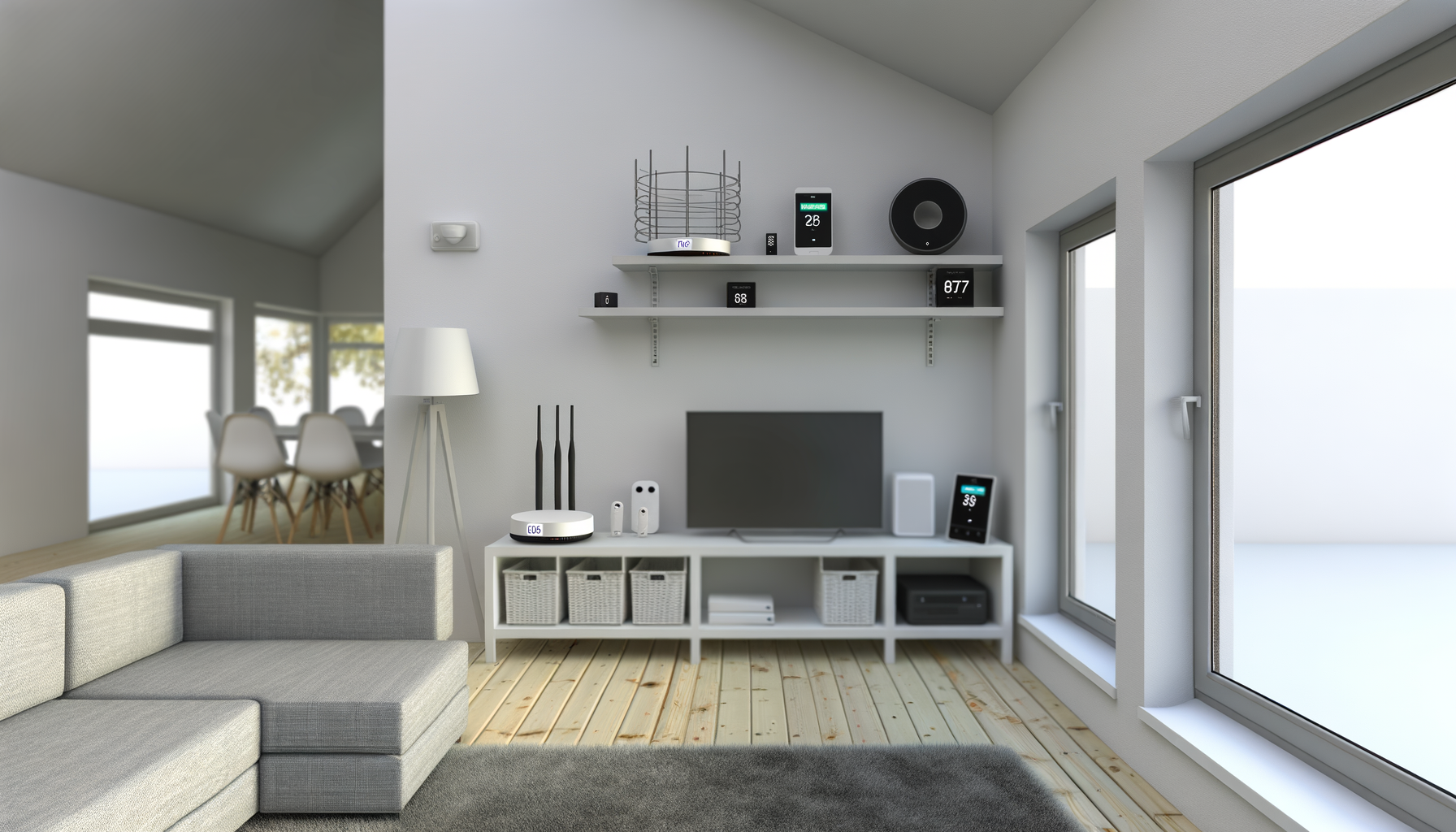
- If that's not feasible, consider moving the router to a more central location in your home.
2. Interference from Other Devices
Your Wi-Fi isn’t just battling distance. Other devices can interfere too. Microwaves, cordless phones, and Bluetooth devices can mess with your signal.
- Keep your router away from these devices.
- Switch your router to the 5GHz band if it has dual-band capabilities. This band is usually less crowded.
3. Too Many Connected Devices
Got a house full of gadgets? Each one uses bandwidth. Too many devices can slow things down, especially if someone is streaming or gaming.
- Disconnect devices you aren’t using.
- Consider upgrading your internet plan if you have too many devices for your current speed.
4. Outdated Router
Your router might be the problem. Older models can’t handle modern speeds efficiently. If it’s several years old, it might be time for an upgrade.
- Check if your router is up to date with the latest standards like Wi-Fi 5 or Wi-Fi 6.
- Investing in a new router can significantly improve your speed.
5. Network Congestion
Network congestion can happen, especially during peak times when everyone is online. It’s like rush hour on the internet.
- Try using your internet during off-peak hours.
- Consider a quality of service (QoS) setting in your router, which allows you to prioritize certain types of traffic.
6. Background Programs and Updates
Sometimes, the culprit is right under your nose. Background programs and automatic updates can hog bandwidth.
- Check for any apps running in the background and close what you don’t need.
- Turn off automatic updates for non-essential apps.
7. ISP Throttling
Your Internet Service Provider (ISP) might be throttling your speed. This can happen if you use a lot of data or during busy times.
- Check your plan to see if you have a data cap.
- Consider switching ISP if they throttle speeds often.
8. Malware or Viruses
Malware can sneak onto your devices and slow down your network. It’s sneaky and can cause all sorts of issues.
- Run a scan with reliable antivirus software.
- Make sure your devices are secure and up to date.
9. Outdated Firmware
Just like your devices, your router needs updates too. Outdated firmware can lead to performance issues.
- Check the manufacturer’s website for firmware updates.
- Updating your router can fix bugs and improve speed.
10. Wrong Wi-Fi Channel
Your router broadcasts on channels. If too many nearby networks use the same channel, it can slow you down.
- Use a Wi-Fi analyzer app to find the least crowded channel.
- Switch your router to that channel in the settings.
Wrapping Up
Slow Wi-Fi can be a real pain, but you don’t have to live with it. By checking these common issues and making a few changes, you can boost your internet speed. It’s all about finding the right balance for your home and your needs. Happy surfing!