How Many Devices Can Connect to One Router?
So, you've got a ton of devices in your home. Maybe you’ve got a smartphone, tablet, laptop, smart TV, and even a few smart home gadgets. You’re probably asking yourself, how many of these can connect to your router at once? And will it even work well?
Understanding Router Limits
First things first, let’s talk about what limits the number of devices you can connect. Most modern routers can handle a decent number of devices—often between 20 to 50. But that number can drop significantly if you have an older router or one that's not designed for heavy usage.
Factors that affect this include:
- Router specifications: Check the model. Some are built for more devices.
- Bandwidth: More devices mean more demand for bandwidth. If everyone's streaming or gaming, it can slow down.
- Network type: 2.4 GHz networks handle fewer devices than 5 GHz networks.
- Interference: Things like walls, microwaves, and other electronics can affect performance.
What About Bandwidth?
Bandwidth is a big deal when it comes to connecting multiple devices. It’s like a highway. The more cars (or devices) you have on it, the slower things go. If you have a 100 Mbps connection and six people streaming video at the same time, things can get choppy.
Here are some tips to manage bandwidth:
- Prioritize devices: Some routers let you prioritize certain devices. This is great for gaming or work-from-home setups.
- Limit streaming: If you notice slow speeds, consider limiting streaming during peak times.
- Schedule heavy usage: If possible, schedule downloads or updates for overnight when fewer people are online.
Types of Devices Matter Too
Not all devices are created equal. A smart fridge doesn’t use nearly as much bandwidth as a laptop streaming Netflix. Here’s a rough breakdown of device types:
- Low bandwidth: Smart home devices like lights and speakers.
- Medium bandwidth: Smartphones and tablets when streaming or browsing.
- High bandwidth: Gaming consoles and smart TVs, especially during streaming.
This means you can connect more low-bandwidth devices without causing issues. Try to balance things out to avoid a bottleneck.
Upgrading Your Router
If you're constantly running into issues with too many devices, it might be time to consider an upgrade. Newer routers offer better technology like MU-MIMO (Multi-User, Multiple Input, Multiple Output), which lets them communicate with multiple devices at once without slowing down.
When shopping for a new router, keep these features in mind:
- Dual-band or tri-band: More bands can help manage more devices.
- Wi-Fi 6: This is the latest standard and offers better performance, especially in crowded networks.
- Range: Make sure it can cover your entire home. You don’t want dead zones.
Extending Your Network
Sometimes, even the best routers can’t cover every corner of your home. If you find that certain areas have weak signals, consider extending your network. Here are a few options:
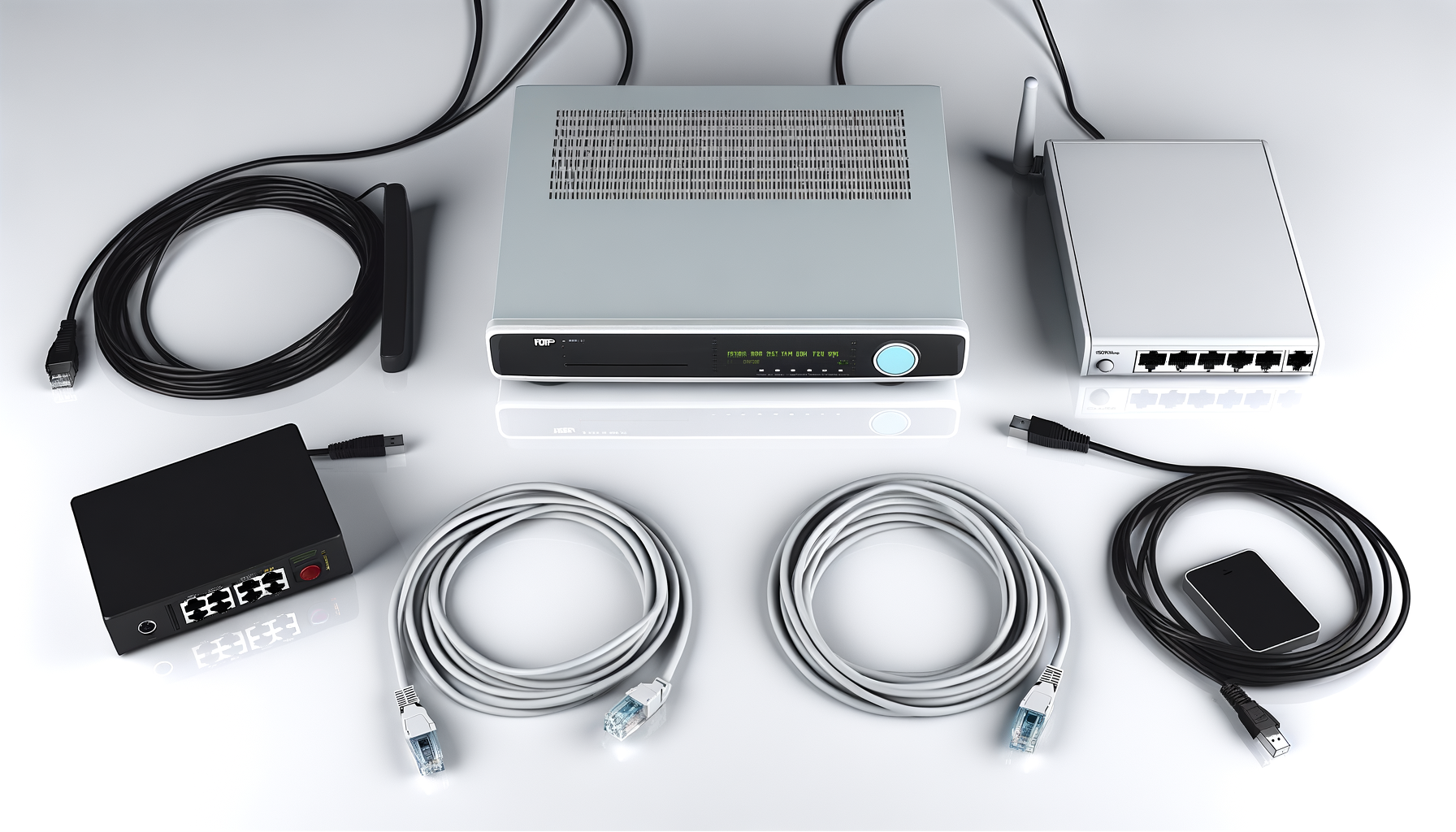
- Wi-Fi extenders: These boost your existing signal, helping cover larger areas.
- Mesh networks: A mesh system uses multiple devices that work together to blanket your home in Wi-Fi.
- Powerline adapters: These use your electrical wiring to extend the network to hard-to-reach places.
Each option has its pros and cons, so think about what works best for your setup.
Monitoring Your Network
Keeping an eye on your network can help you understand how many devices are connected and how much bandwidth they’re using. Most routers come with a mobile app or web interface where you can see this info. This can be useful for troubleshooting issues.
You can even set up guest networks to give visitors access without cluttering your main network. This keeps your personal devices more secure.
Conclusion
In short, most modern routers can handle a good number of devices, but the actual number depends on various factors, including the type of devices and your internet speed. Don't hesitate to upgrade if you need to accommodate more devices or improve performance. Remember, managing your network can make all the difference in keeping everything running smoothly.
Got questions? Feel free to ask. I’m here to help you get the most out of your home network.