Understanding Wi-Fi Interference
Wi-Fi interference can be a real pain, especially when your neighbor's network is stealing your speed. It happens when multiple networks are using the same frequency, causing a clash. Just like trying to listen to two songs at once, your devices can struggle to connect properly.
Check Your Wi-Fi Channels
Most routers operate on two main frequencies: 2.4 GHz and 5 GHz. The 2.4 GHz band is often crowded because it has fewer channels. On the other hand, the 5 GHz band has more channels and tends to be less congested. Here’s how to check and change your channel:
- Log into your router’s settings. You can usually do this by typing your router's IP address into a web browser.
- Find the Wi-Fi settings or wireless settings section.
- Select a different channel. For the 2.4 GHz band, try channels 1, 6, or 11. For 5 GHz, check out the other available channels.
- Save your changes and reboot your router.
Switching channels can make a big difference. It's like changing lanes in traffic. You might just find a smoother ride.
Move Your Router
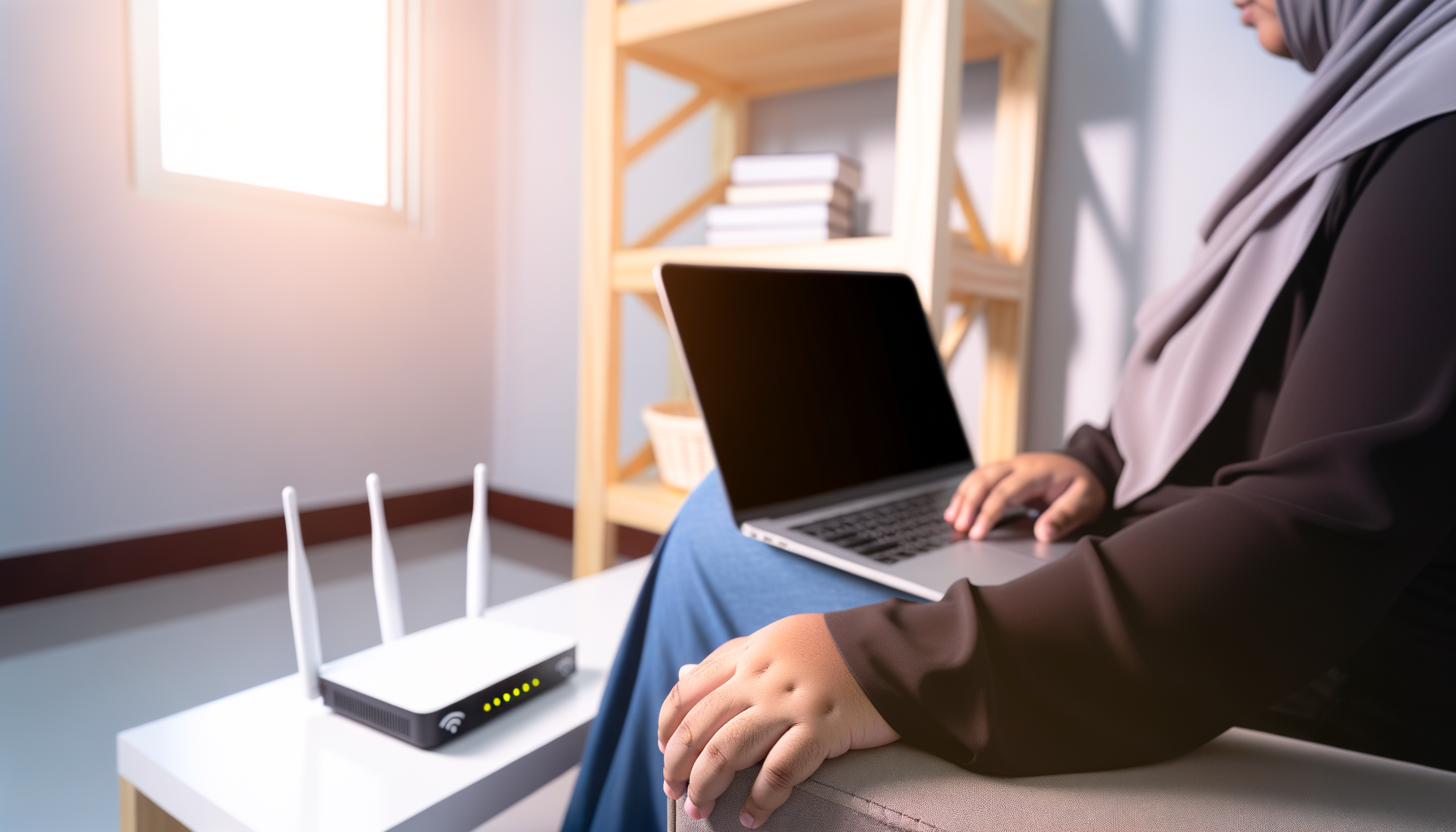
The placement of your router matters. Walls, furniture, and appliances can block or weaken your signal. Try to place your router in a central location in your home, away from thick walls and metal objects. Here are some tips for positioning:
- Try to keep it elevated, like on a shelf.
- Avoid putting it in the corner of a room.
- Keep it away from other electronics, like microwaves and cordless phones.
Sometimes, just moving the router a few feet can improve your signal strength.
Use a Wired Connection
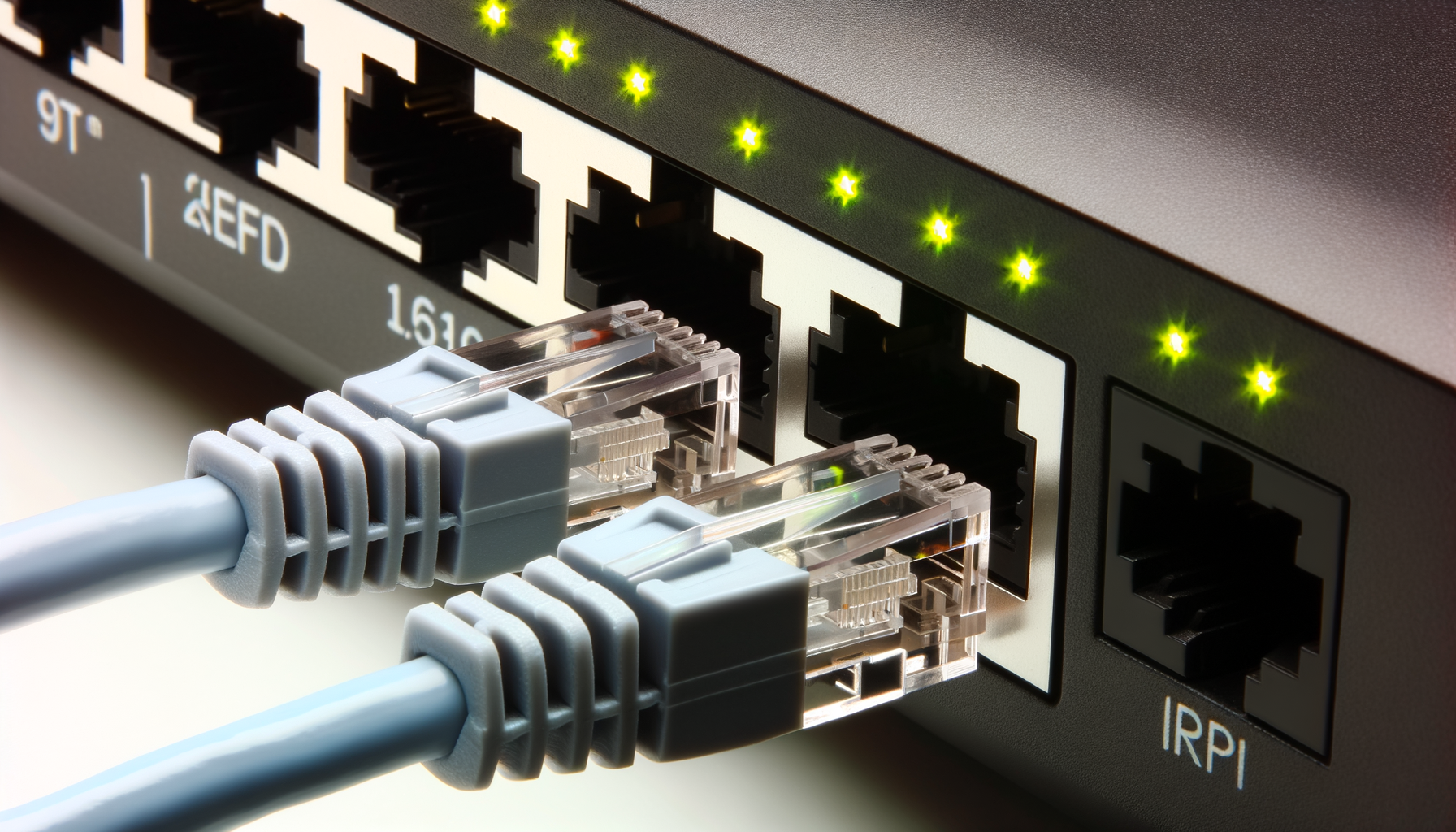
When possible, connect your devices directly to the router using an Ethernet cable. This will give you a solid connection without any interference. It’s especially helpful for devices that need a lot of bandwidth, like gaming consoles or streaming devices.
Plus, it frees up your Wi-Fi for other devices, reducing congestion.
Upgrade Your Router
Old routers can struggle to keep up with the demands of modern devices. If your router is a few years old, you might want to consider upgrading. Look for a router that supports the latest Wi-Fi standards, like Wi-Fi 6. You'll get better speed, range, and performance, especially in crowded areas.
Don’t forget to check reviews to find a reliable model that fits your budget.
Consider a Mesh Network
If you live in a larger home or have Wi-Fi dead spots, a mesh network might be the solution. A mesh network uses multiple devices to create a blanket of coverage across your home. This reduces interference and improves your overall signal strength.
Setting up a mesh network is generally easy. Just place the nodes in different areas of your home, and they will work together to give you a stronger signal.
Limit Devices on Your Network
Too many devices connected at once can slow your network down. Consider limiting the number of devices actively using Wi-Fi at the same time. This can help reduce interference and improve performance. Here are some things you can do:
- Disconnect devices that are not in use.
- Schedule large downloads or updates for off-peak hours.
- Set up Quality of Service settings on your router to prioritize certain devices.
This might mean your kids can’t stream their shows while you’re trying to work from home, but it’ll help keep everything running smoothly.
Change Your SSID and Password
Sometimes, just changing your network name (SSID) and password can help. This won’t reduce interference directly, but it can prevent unauthorized users from connecting to your network. If too many people are using your Wi-Fi, it can slow things down.
Make sure your password is strong and not something easy to guess. You want to keep those freeloaders off your network.
Use Wi-Fi Analyzing Apps
There are apps available that can help you analyze your Wi-Fi signal. These tools can show you which channels are crowded and help you pick the best one for your network. Some popular options include:
- NetSpot
- WiFi Analyzer
- inSSIDer
These apps can give you a clearer picture of what's going on with your Wi-Fi, making it easier to troubleshoot.
Conclusion
Dealing with Wi-Fi interference from neighbors can be frustrating, but with a few tweaks, you can improve your connection. Start by checking your channels and moving your router. Consider upgrading or even switching to a mesh network if you need more coverage. With these tips, you’ll be streaming, gaming, and browsing without those annoying interruptions.