Understanding the Basics
Smart home devices can make life easier, but they can also drive you nuts if your Wi-Fi isn't up to par. Let's get into some practical tips to help you optimize your Wi-Fi for all those smart gadgets. You'll be streaming, controlling, and automating everything in no time.
Check Your Internet Speed
First things first. You need to know what type of internet speed you actually have. Run a speed test using a tool like Speedtest.net. Make sure you're testing on a device that's connected to your Wi-Fi, not just your phone on cellular data.
Smart devices often require a stable connection. A speed of at least 25 Mbps is usually recommended for multiple devices. If your speed is lagging, you might want to reach out to your internet service provider.
Update Your Router
Outdated firmware can cause all sorts of problems. Check if your router’s firmware is up to date. Most routers have a settings page you can access through your browser. Just type in the router's IP address (usually something like 192.168.1.1) and log in with your credentials. Look for a section that says “Firmware Update” or “Router Update.”
Keeping your router updated not only fixes bugs but also can improve performance and security.
Router Placement Matters
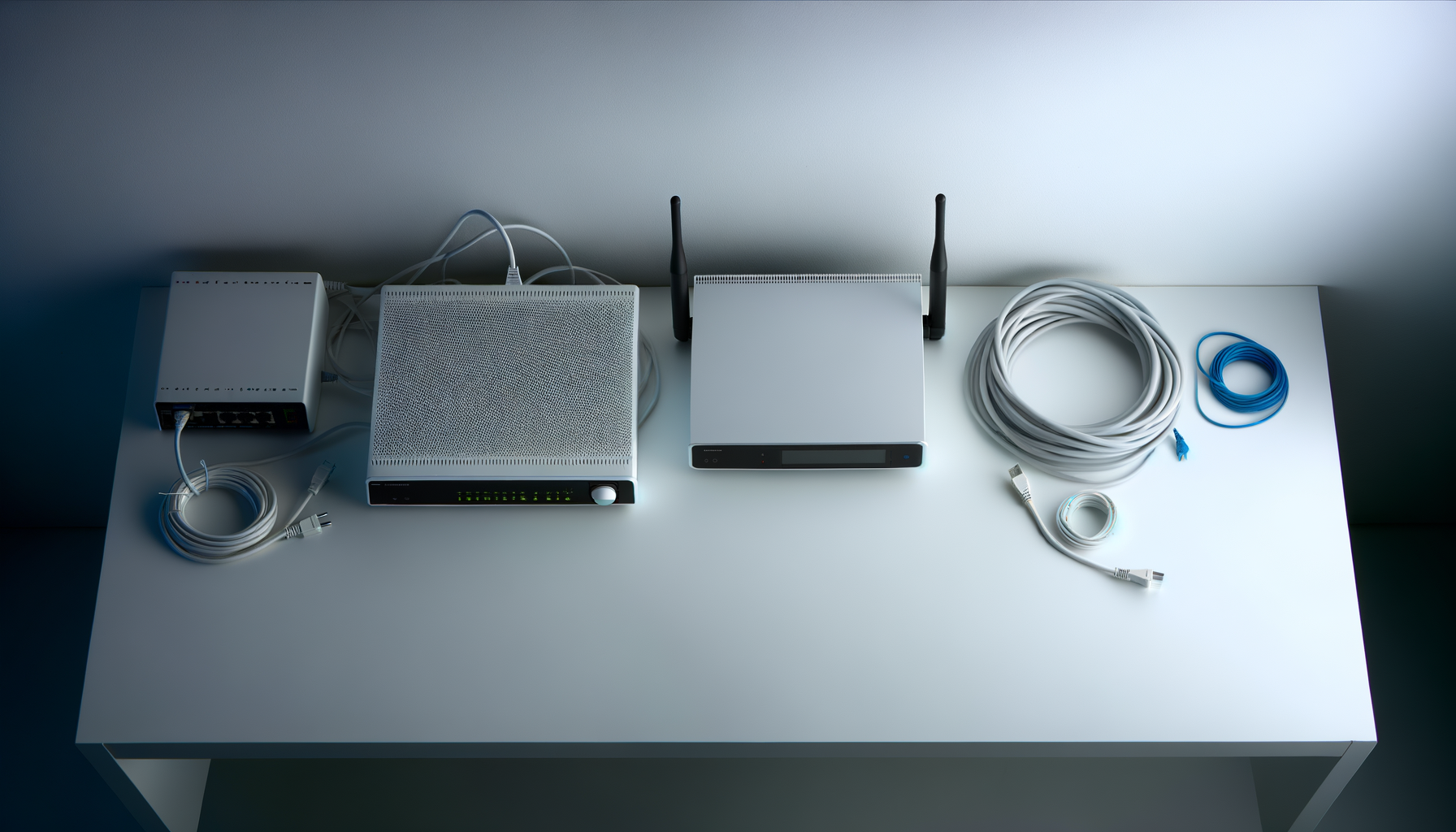
You might not realize it, but where you place your router can make a huge difference. Ideally, you want it in a central spot in your home, away from walls and obstructions. High places like shelves can help too. The more open space, the better your signal will be.
Try to avoid placing your router near other electronics like microwaves or cordless phones. These can interfere with your Wi-Fi signal.
Choose the Right Frequency Band
Most modern routers operate on two frequency bands: 2.4 GHz and 5 GHz. The 2.4 GHz band covers a larger area but is slower and more prone to interference. The 5 GHz band is faster and better for high-bandwidth activities, but it has a shorter range.
For smart devices that don’t require a lot of bandwidth, the 2.4 GHz band is usually sufficient. However, if you’re streaming video or gaming, connect to the 5 GHz band when possible.
Secure Your Network
A secure Wi-Fi network ensures that only your devices are connected. Use a strong password and consider changing it regularly. Also, make sure your router is using WPA3 encryption if available. It's the most secure option out there.
Don't forget to disable the guest network option unless you really need it. This can add extra strain to your network.
Limit Bandwidth-Hogging Devices
Some devices can hog all the bandwidth, leaving your smart devices struggling. Check which devices are using the most data. In your router’s settings, you should be able to see a list of connected devices and their data usage.
If someone in your household is constantly streaming or gaming, consider setting up Quality of Service (QoS) settings on your router. This lets you prioritize bandwidth for your smart devices, ensuring they get the speed they need.
Consider a Mesh Network
If you have a larger home, a single router might not cut it. Wi-Fi dead zones are the worst, especially when you’re trying to control smart devices. A mesh network system can help. These systems use multiple nodes to provide better coverage throughout your home.
They’re easy to set up and usually come with a user-friendly app to manage your network. Plus, they can automatically switch devices to the best node for optimal performance.
Regularly Restart Your Router
This might seem simple, but rebooting your router can solve a lot of connectivity issues. Just like any tech, routers can get bogged down over time. Try to restart it every couple of weeks. This helps clear out any temporary issues and refresh the connection.
Keep an Eye on Network Traffic
Check your network for any devices that shouldn't be connected. Sometimes, uninvited guests can join your Wi-Fi and slow things down. Use your router’s settings to kick off any unknown devices. Regularly reviewing your connected devices can keep your network running smoothly.
Conclusion
Optimizing your Wi-Fi for smart home devices doesn’t have to be a headache. With these tips, you should be able to improve your connection and enjoy a smoother experience. Remember, a little maintenance goes a long way.
So take a moment to check your setup, update your router, and enjoy all the conveniences that smart home technology has to offer.