How to Disable WPS and Why You Should
Many people love the idea of connecting devices to their wifi quickly. WPS, or Wi-Fi Protected Setup, is designed to make that happen. But here's the catch: it can also be a security risk. Let's talk about what WPS is, why you should consider turning it off, and how to do it.
What is WPS?
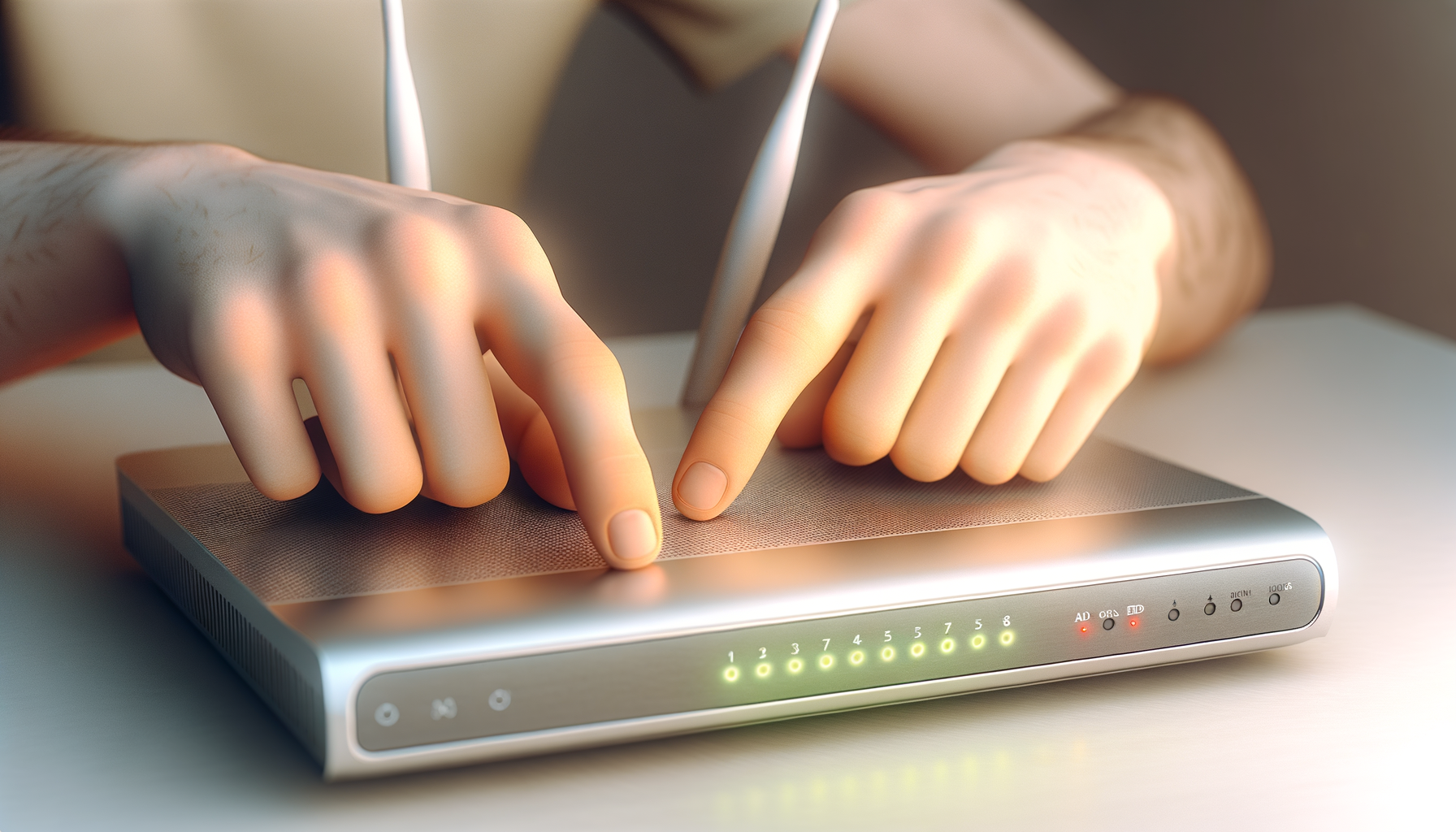
WPS is a feature that allows you to connect devices to your router without entering a password. You can just press a button on your router or enter a PIN. Sounds easy, right? But it’s that convenience that can lead to trouble.
Why You Should Disable WPS
Here are a few reasons to think about turning off WPS:
- Security Risks: WPS has known vulnerabilities. Hackers can exploit these to gain access to your network.
- Unwanted Devices: With WPS enabled, anyone nearby could potentially connect to your network. That’s not great.
- Better Control: By disabling WPS, you take charge of the devices that connect to your network. You decide who gets in.
How to Disable WPS
Ready to disable WPS? Here’s how to do it on most routers. The steps can vary a bit depending on your router model, but this should give you a good idea.
Step 1: Access Your Router’s Admin Page
First, you'll need to log into your router. Here’s how:
- Open a web browser on your computer or phone.
- Type your router's IP address into the address bar. Common addresses are 192.168.1.1 or 192.168.0.1. Check your router’s manual if those don’t work.
- Enter your admin username and password. If you haven't changed these, they might still be the default. Don’t worry, I’ve been there too.
Step 2: Locate the WPS Settings
Once you’re in, look for a section labeled something like “Wireless,” “Wifi,” or “WPS.” This can usually be found in the main menu or under the advanced settings.
Step 3: Disable WPS
In the WPS settings, you should see an option to disable it. Toggle that option off. Some routers might have a checkbox or a button labeled “Disable WPS.” Just click it and save your changes.
Step 4: Restart Your Router
It’s a good idea to restart your router to make sure the changes take effect. Just unplug it, wait a few seconds, and plug it back in. You know the drill.
What to Do Next
Now that you've disabled WPS, it’s a good idea to strengthen your overall network security. Here are a few tips:
- Use a Strong Password: Make sure your wifi password is complex. A mix of letters, numbers, and symbols is best.
- Change the Admin Password: Don’t keep the default admin password for your router. Change it to something only you know.
- Keep Firmware Updated: Regularly check for firmware updates for your router. These updates often fix security holes.
- Use WPA3: If your router supports it, switch to WPA3 security. It's more secure than previous versions.
Final Thoughts
Disabling WPS is a smart move for anyone looking to tighten up their home network security. It might seem like a hassle to type in a password instead of pressing a button, but the peace of mind is worth it. You’ll have better control over who connects to your network, and you won’t have to worry as much about potential hackers lurking nearby.
Take a few minutes to disable WPS and follow those extra tips to secure your network. You’ll thank yourself later when you’re streaming or gaming without any worries. Stay safe out there!