Router Security Checklist: 15 Things to Check
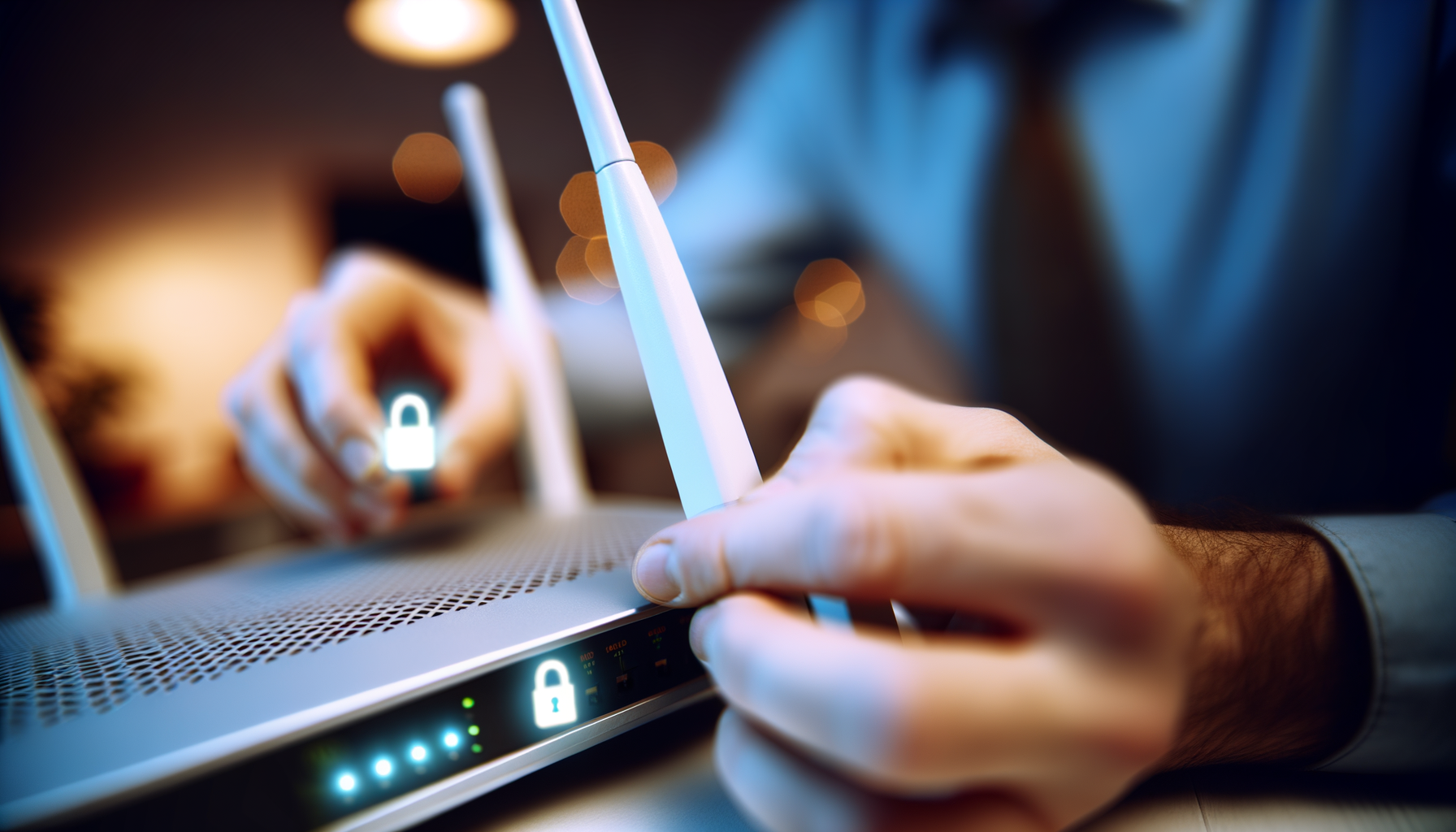
Router security might not be the most exciting topic, but trust me, it’s super important. A weak router can leave your whole home network vulnerable. So, let’s make sure your router’s locked down. Here’s a checklist of 15 things you can check to boost your router’s security.
1. Change the Default Password
First things first. Most routers come with a default username and password. These are easy for hackers to find online. Change it to something unique and tough to guess. A mix of letters, numbers, and symbols works best.
2. Update the Firmware
Router manufacturers often release updates to fix security holes. Check your router’s settings for firmware updates. Installing these updates can patch vulnerabilities and improve performance.
3. Enable WPA3 Encryption
Encryption is like a secret code for your network. Make sure your router uses WPA3 if it supports it. If not, go for WPA2. Avoid WEP, as it’s outdated and easy to crack.
4. Change the SSID
Your SSID is the name of your network. Don’t use your name or address as your SSID. Choose something random and fun. This makes it harder for potential intruders to know who lives there.
5. Disable Remote Management
Remote management lets you access your router from anywhere. It sounds cool, but it can also be risky. Unless you really need it, turn it off. This adds an extra layer of protection.
6. Set Up a Guest Network
Got friends coming over? Instead of sharing your main network password, set up a guest network. This keeps your devices separate and adds a barrier between your personal data and your guests.
7. Turn Off WPS
Wi-Fi Protected Setup (WPS) is a handy feature, but it’s not as secure as you might think. It can be exploited by hackers. Turn it off in your router settings to keep your network safer.
8. Monitor Connected Devices
Check which devices are connected to your network regularly. Most routers have a list in the settings. If you see anything suspicious, kick it off your network and change your password.
9. Use a Strong Wi-Fi Password
Your Wi-Fi password should be long and complex. Aim for at least 12 characters. Mix uppercase, lowercase, numbers, and special characters. The harder it is to guess, the better.
10. Disable SSID Broadcasting
This makes your network invisible to casual users. They won’t see your network in the list of available connections. You’ll have to connect manually by typing in the SSID, but it’s worth it for the added security.
11. Use a Firewall
Most routers come with a built-in firewall. Make sure it’s enabled. This helps block unwanted traffic and keeps your network safer from attacks.
12. Regularly Reboot Your Router
Rebooting your router might seem simple, but it can help clear out any potential issues. Try to do this every month or so. It can also improve performance by refreshing your network connection.
13. Disable UPnP
Universal Plug and Play (UPnP) is convenient for connecting devices. However, it can also expose your network to risks. If you don’t need it, turn it off in your router settings.
14. Change the Default IP Address
Routers usually come with a default IP address, like 192.168.1.1. Changing this can add an extra layer of security. Just make sure you know the new address so you can access your router settings later.
15. Keep an Eye on Security News
Stay informed about the latest security threats. Follow tech blogs or forums that focus on networking. This way, you'll know if there are any new vulnerabilities related to your router model.
Wrap Up
Taking these steps will make your router a lot more secure. Remember, no security measure is foolproof, but being proactive can go a long way. Regularly check your settings and stay informed. Your home network deserves the best protection.
Got any questions or tips of your own? Feel free to drop them in the comments. Happy surfing!