Why Monitor Your Network Traffic?
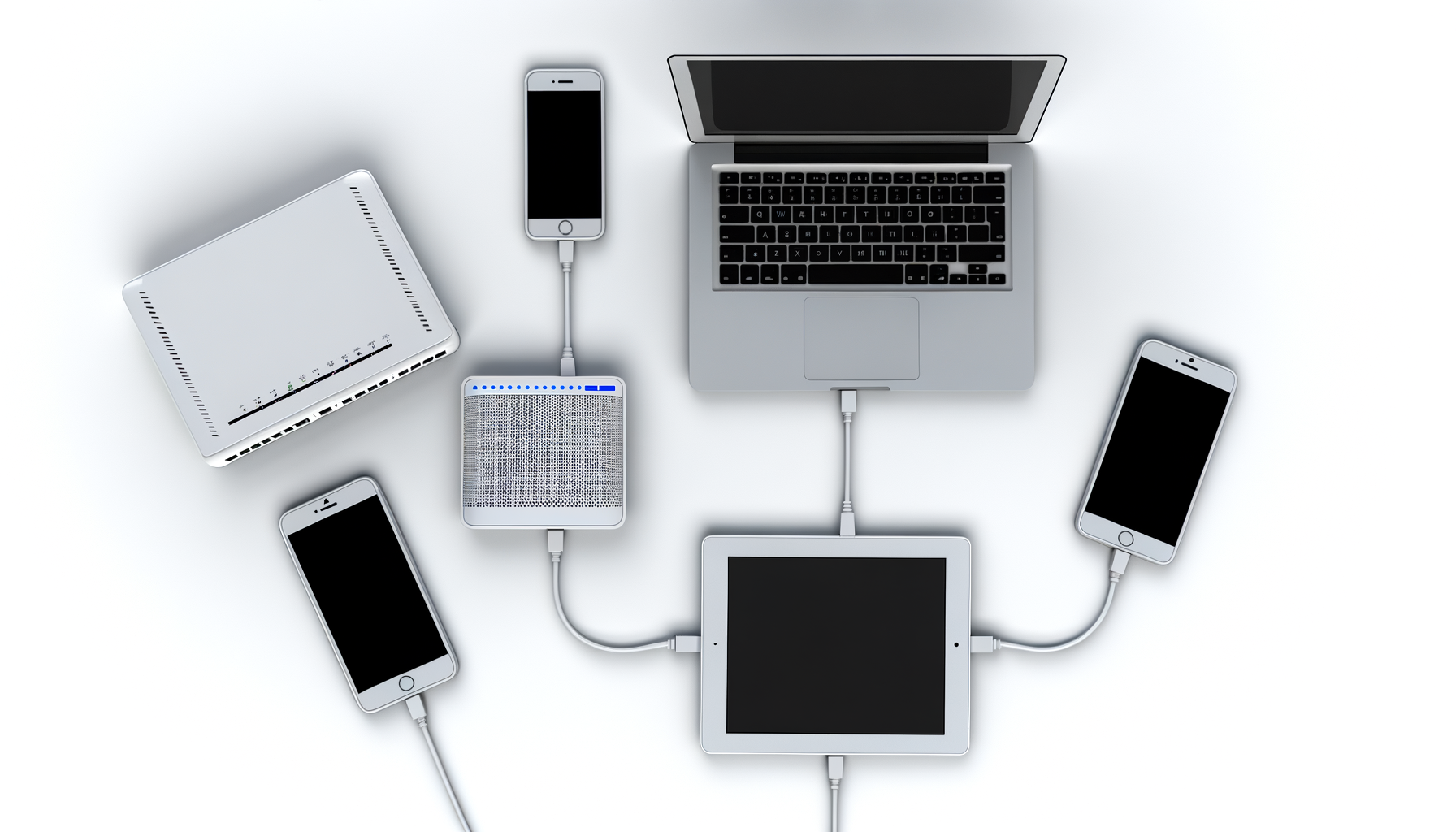
Monitoring your network traffic can sound a bit techy, but it’s super helpful. You want to know what devices are using your bandwidth, right? It’s like checking your fridge to see what's taking up space. Sometimes, you might find a sneaky device streaming Netflix at full blast while you’re trying to game or work from home.
Getting Started with Monitoring
First things first, you need to decide how deep you want to go into this. There are a few ways to monitor your network traffic, and some are easier than others.
Check Your Router Settings
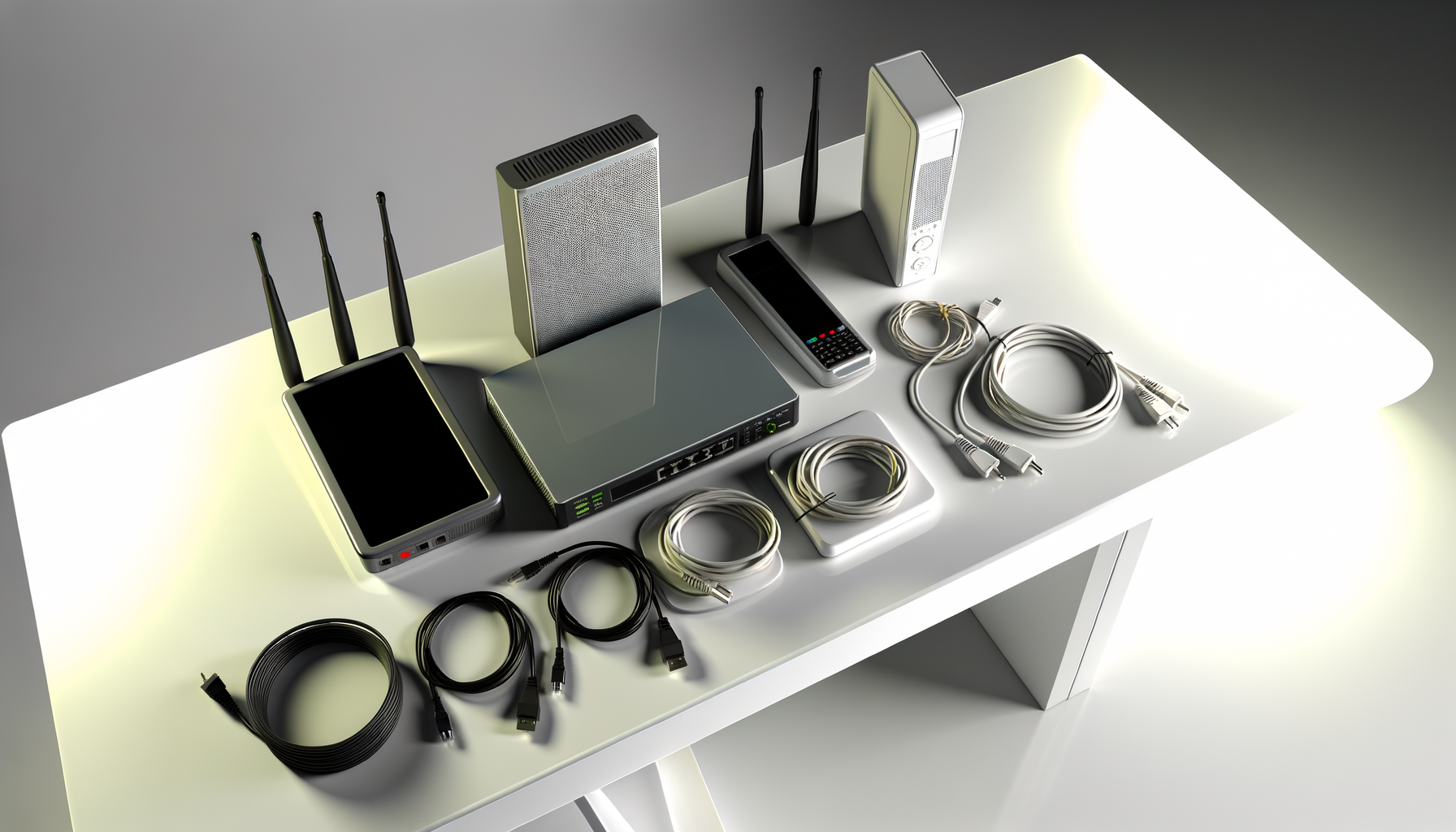
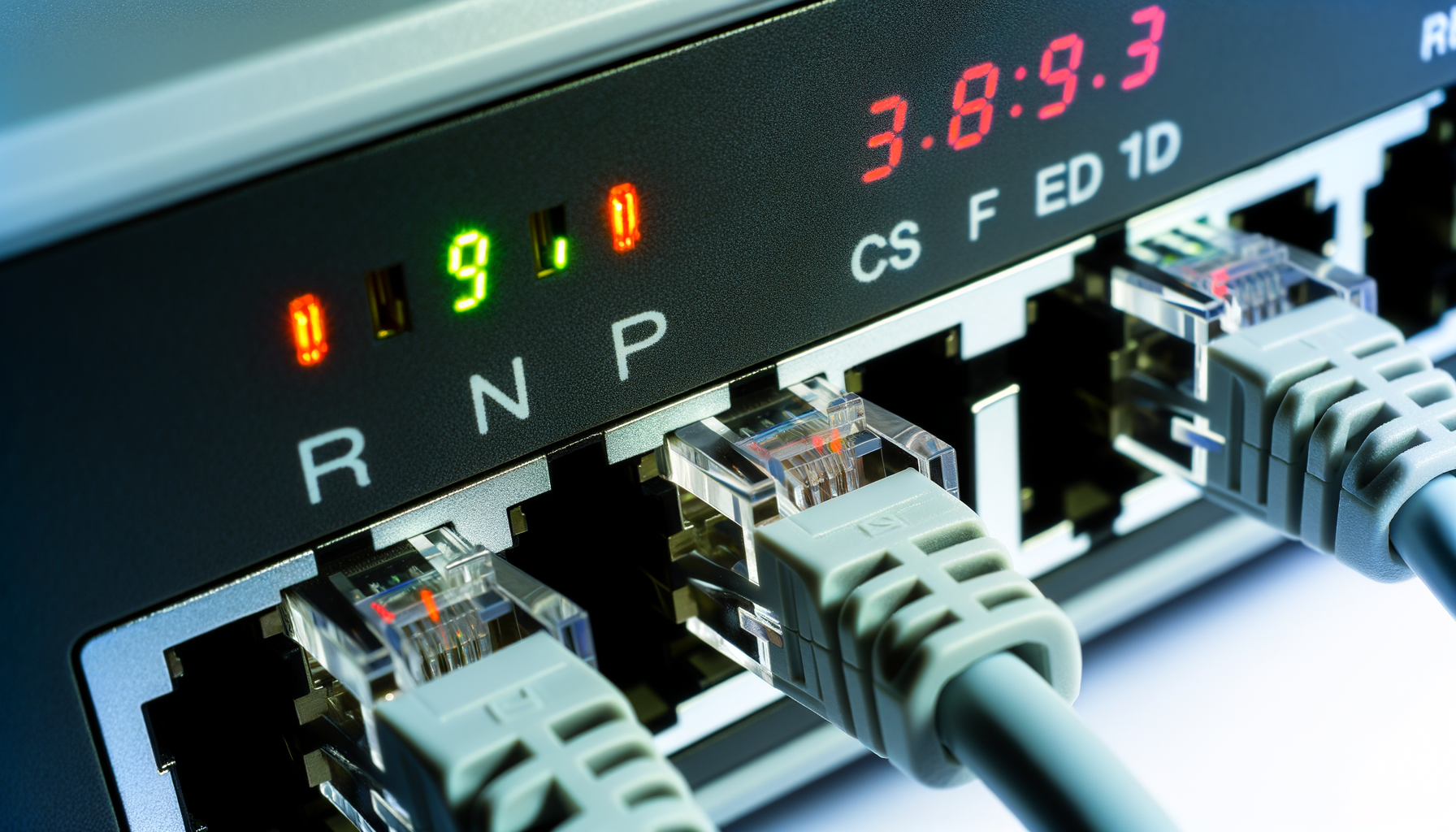
Your router is the heart of your network. Most modern routers have built-in tools to help you see what’s going on. Here’s how to access it:
- Open a web browser and type in your router's IP address. Common ones are 192.168.1.1 or 192.168.0.1. If you’re not sure, check the back of your router or the manual.
- Log in with your admin credentials. If you’ve never changed them, they might still be the default. A quick Google search should help you find this info.
- Look for a section called 'Traffic Monitor', 'Bandwidth Control', or something similar. It varies by manufacturer, but it’s usually pretty obvious.
Once you’re in, you might see a list of devices connected to your network and how much bandwidth they’re using. This can give you a good idea of which device is hogging all the juice.
Use Network Monitoring Tools
If your router doesn’t provide much info, don’t worry. There are plenty of free and paid tools out there that can help you monitor your network traffic. Here are a few popular ones:
- GlassWire: This tool has a user-friendly interface and shows you real-time data on your network usage. It’s great for spotting which apps are using the most bandwidth.
- Wireshark: This is a bit more advanced. It’s a packet analyzer that lets you see every single data packet traveling through your network. It’s great for techies who want to get into the nitty-gritty.
- PRTG Network Monitor: This is a more comprehensive tool that’s great for larger setups. It’s not free, but it offers a lot of features for monitoring traffic.
Pick one that fits your level of comfort. GlassWire is a fantastic starting point for most people.
Understanding Your Traffic
Now that you’re monitoring your traffic, it’s time to make sense of the data. Here are some things to look for:
- Identify Bandwidth Hogs: Look for devices or applications that are using a lot of bandwidth. If it’s a device you don’t recognize, it might be time to check your network for unauthorized users.
- Check for Unusual Activity: If you notice spikes in traffic when no one is using the internet, it could be a sign that something’s off. Maybe there’s malware or a device that’s misbehaving.
- Track Data Usage: If you have a data cap, keeping an eye on usage can help avoid overage fees. Make sure no one is streaming or downloading large files during peak hours.
Take notes on your findings. This will help you spot trends over time.
Securing Your Network
Monitoring your network is great, but you also want to make sure it's secure. Here are some quick tips:
- Change Your Wi-Fi Password: Make sure you’re using a strong password. Change it regularly to keep unauthorized users out.
- Enable Network Encryption: Use WPA3 if your router supports it. If not, WPA2 is still pretty solid.
- Update Your Router’s Firmware: Check for updates regularly. Manufacturers often release patches to fix security vulnerabilities.
These steps will help keep your network more secure, making it harder for unwanted guests to sneak in.
Recap
Monitoring your network traffic doesn’t have to be a headache. You can start right in your router settings or use one of the many tools available. Look out for bandwidth hogs, unusual activity, and remember to keep your network secure. It’s all about knowing what’s happening on your network so you can enjoy a smoother online experience.
So, grab your router, log in, and get monitoring. You might be surprised at what you find.