Speed Up Your Internet with These Router Tweaks
We've all been there. You're trying to stream your favorite show, and all you get is buffering. Or maybe you're in the middle of an important video call, and suddenly everything freezes. It's frustrating, right? The good news is that there are some simple tweaks you can make to your router that might just speed things up. Let’s dig into it.
Position Your Router Right
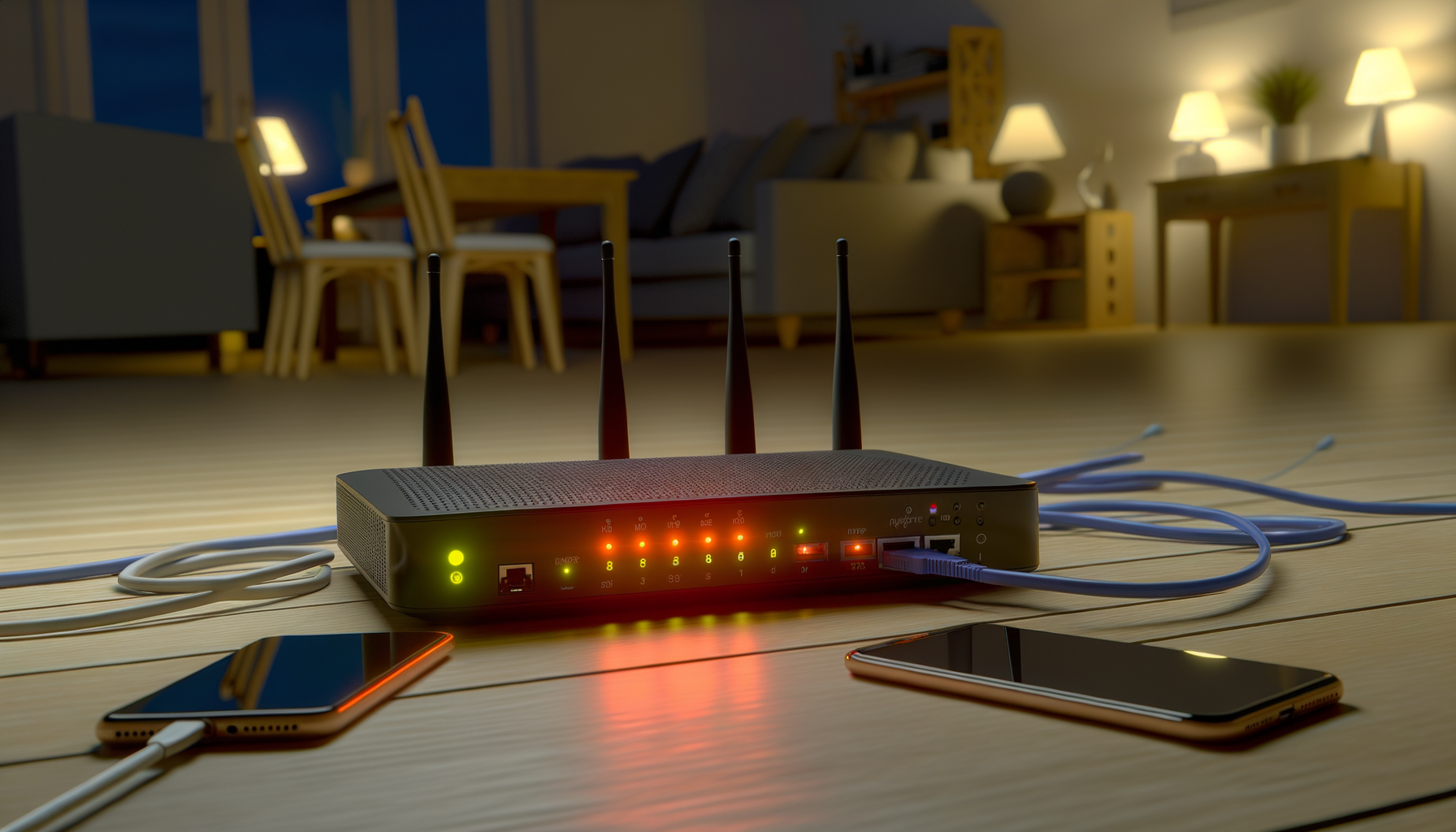
Where you place your router can make a huge difference. A good spot is somewhere central in your home, away from walls or large objects that can block the signal. If you have a two-story house, putting it upstairs might help reach more rooms.
Avoid placing your router near metal objects or appliances like microwaves. They can interfere with your wifi signal. Instead, try to keep it in an open area. Think of it as giving your router room to breathe.
Update Your Router’s Firmware
Running old firmware can slow down your network. Manufacturers often release updates to fix bugs and improve performance. To check for updates, log into your router’s admin panel. You can usually find this by typing the router's IP address into your web browser.
Once logged in, look for a section like “Firmware Update” or “Router Update.” Follow the instructions to download and install the latest version. This should help bring your router up to speed.
Change the Wifi Channel
Wifi networks can get crowded, especially in apartment buildings or neighborhoods with lots of routers. Each router operates on a channel, and if many are on the same one, it can lead to interference. You can change your router’s channel to one that’s less crowded.
Use a tool like Wifi Analyzer (available on Android) or NetSpot (for Mac and Windows) to see which channels are busy. In your router settings, look for the option to change the channel. Channels 1, 6, and 11 are usually the best choices for 2.4 GHz networks.
Switch to 5 GHz
If your router supports dual-band, try switching to the 5 GHz band. It’s usually faster and less crowded than the 2.4 GHz band. The downside is that it doesn’t travel as far, so you might want to use it in areas where you need a stronger connection, like your living room or home office.
To switch bands, log into your router settings and look for wireless options. You can set up separate names (SSIDs) for each band, so you know which one you’re connecting to.
Secure Your Network
Open networks are an invitation for neighbors or passersby to hop on your internet. This can slow down your speed significantly. Make sure your network is secured with a strong password. Use WPA2 encryption for better security.
To set up or change your password, go to your router settings and look for the wireless security section. Choose a unique password that’s hard to guess. It’s a good idea to mix letters, numbers, and symbols.
Limit Connected Devices
Too many devices connected at once can drag down your internet speed. If your family has multiple phones, tablets, laptops, and smart devices using the same network, you might need to limit the number of active connections. You can also prioritize certain devices using Quality of Service (QoS) settings in your router.
QoS lets you prioritize bandwidth for specific devices or applications. For example, if you often stream videos or play online games, you can give those activities more bandwidth while limiting less important ones, like downloads.
Consider a Wired Connection
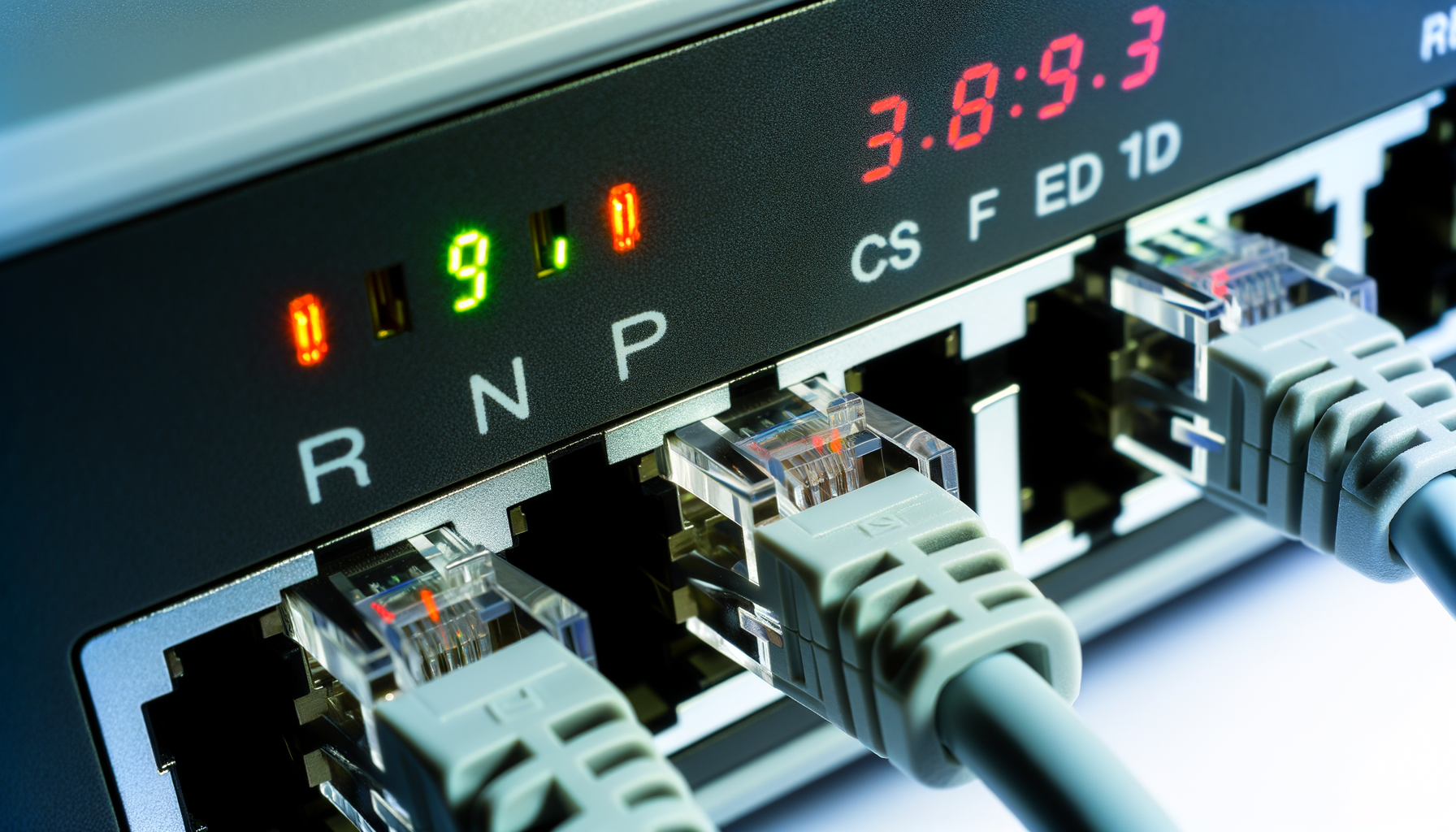
Wifi is convenient, but it can be less reliable than a wired connection. If you can, try connecting devices like your gaming console or computer directly to the router using an Ethernet cable. This can provide a faster and more stable connection.
Plus, it’s a great way to reduce the load on your wifi network. And who doesn’t want a smoother gaming experience or buffer-free streaming?
Reboot Regularly
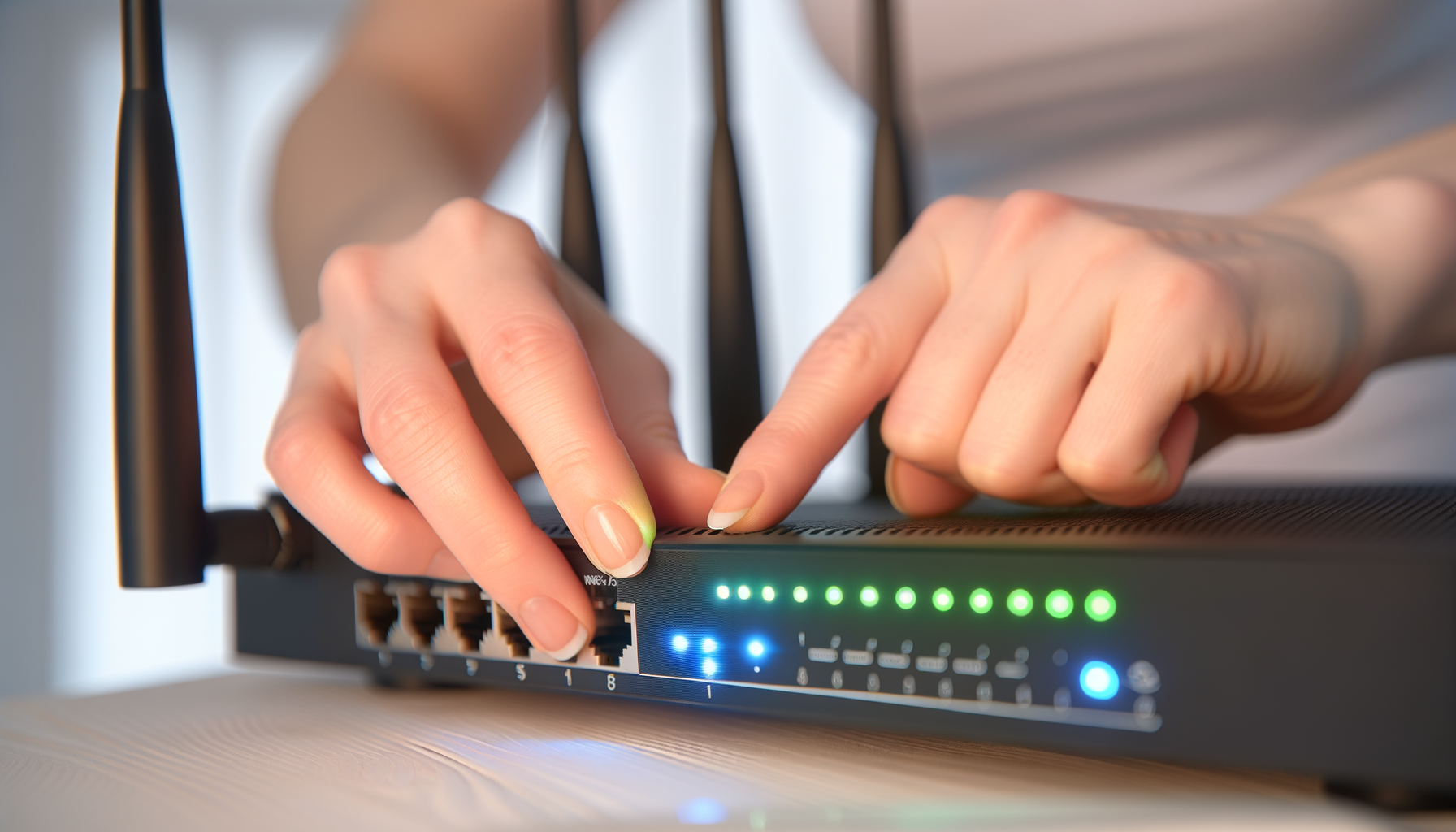
Just like your phone or computer, your router can benefit from a little reboot every now and then. Restarting can clear up temporary glitches and improve performance. Make it a habit to reboot your router once a month. Just unplug it for a minute, then plug it back in. Easy, right?
Upgrade Your Router
Sometimes, your router might just be too old to keep up with your internet speed. If you’ve tried all the tweaks and things are still slow, it might be time for an upgrade. Look for routers that support the latest wifi standards, like Wi-Fi 6. They’re designed to handle more devices and offer better performance overall.
When shopping for a new router, consider your home size and how many devices you have. Getting a mesh network system can also help cover larger areas if you have a big house.
Final Thoughts
Slow internet can drive anyone crazy. But with these tweaks, you can hopefully improve your connection and enjoy a smoother online experience. Remember to keep your router updated, secure, and in a good spot. And don’t forget to reboot it every now and then. Good luck!