Understanding IoT Devices
You've probably got a few smart devices around your house. Things like smart speakers, cameras, and even fridges now connect to the internet. These are called IoT devices, or Internet of Things devices. They make life easier, but they can also be a pain when it comes to security. Hackers love targeting these devices because they often have weak protections.
Why You Need to Protect Your IoT Devices
Imagine this: You’re streaming your favorite show, and suddenly your smart camera gets hacked. Not cool, right? Or worse, someone gets access to your home network through a vulnerable device. This can lead to stolen data, privacy breaches, and a whole lot of headaches. Protecting your IoT devices means keeping your personal info safe and your home secure.
Steps to Secure Your IoT Devices
Let’s break down some practical steps to help you secure those devices without losing your mind.
1. Change Default Passwords
Seriously, just do it. Most IoT devices come with terrible default passwords like 'admin' or '123456'. Change those right away. Make your password strong. Use a mix of letters, numbers, and special characters. This small step can make a big difference.
2. Keep Firmware Up to Date
Manufacturers often release updates to fix security holes. Check your devices regularly for updates. Some devices might do this automatically, but others require you to do it manually. Set a reminder every month to check. It’s worth the effort.
3. Use a Separate Network for IoT Devices
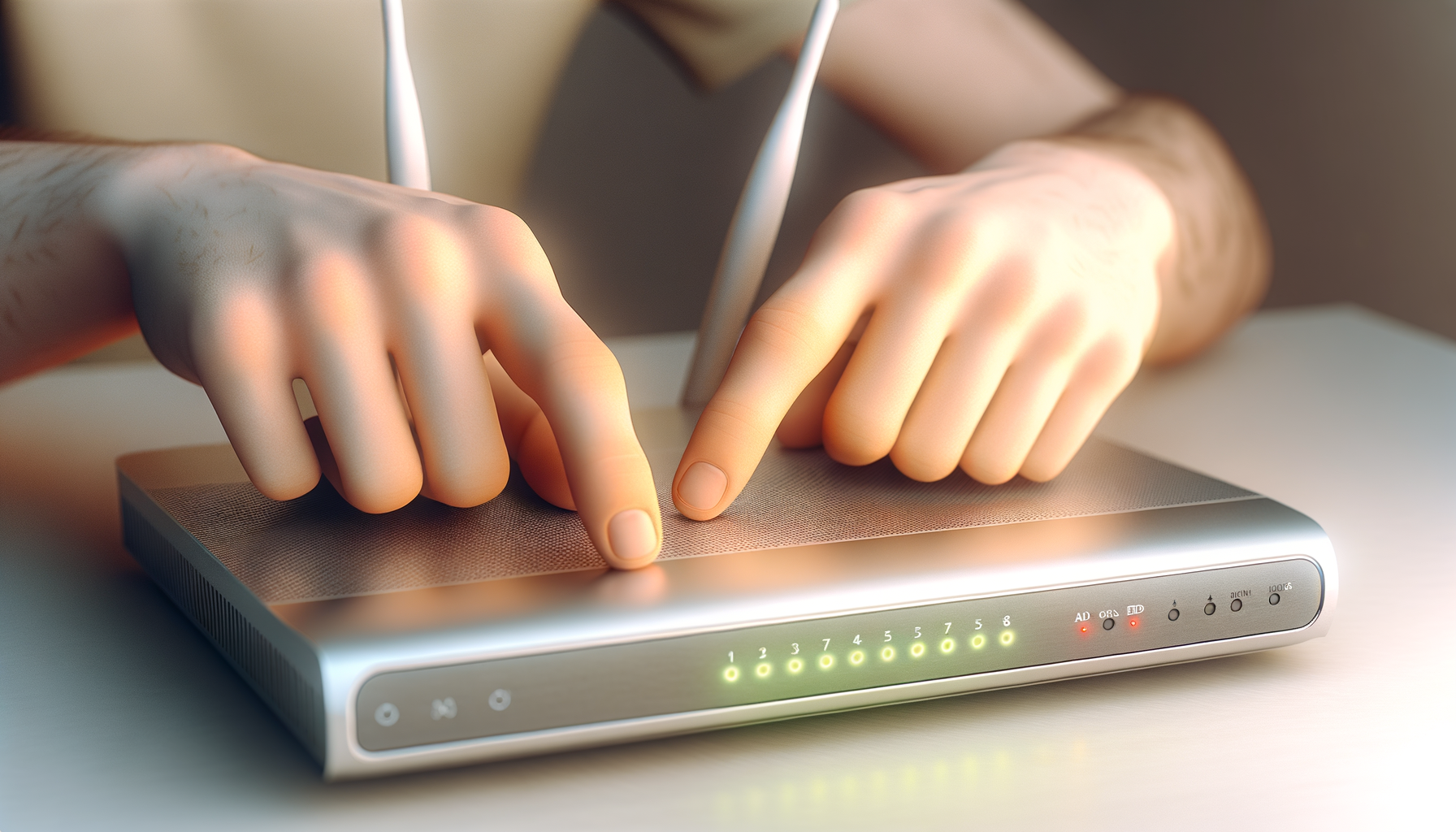
This might sound complicated, but it’s easy. Most modern routers let you set up a guest network. Create a separate network just for your IoT devices. This way, even if one gets compromised, your main devices (like your computers and phones) stay safe. Look for options like "guest network" or "IoT network" in your router settings.
4. Turn Off Features You Don’t Use
Some devices come with features you might never use. For instance, do you really need remote access or cloud services? Turning these off can reduce the number of ways a hacker can get in. Check your device settings and disable anything that isn’t necessary.
5. Use a Firewall
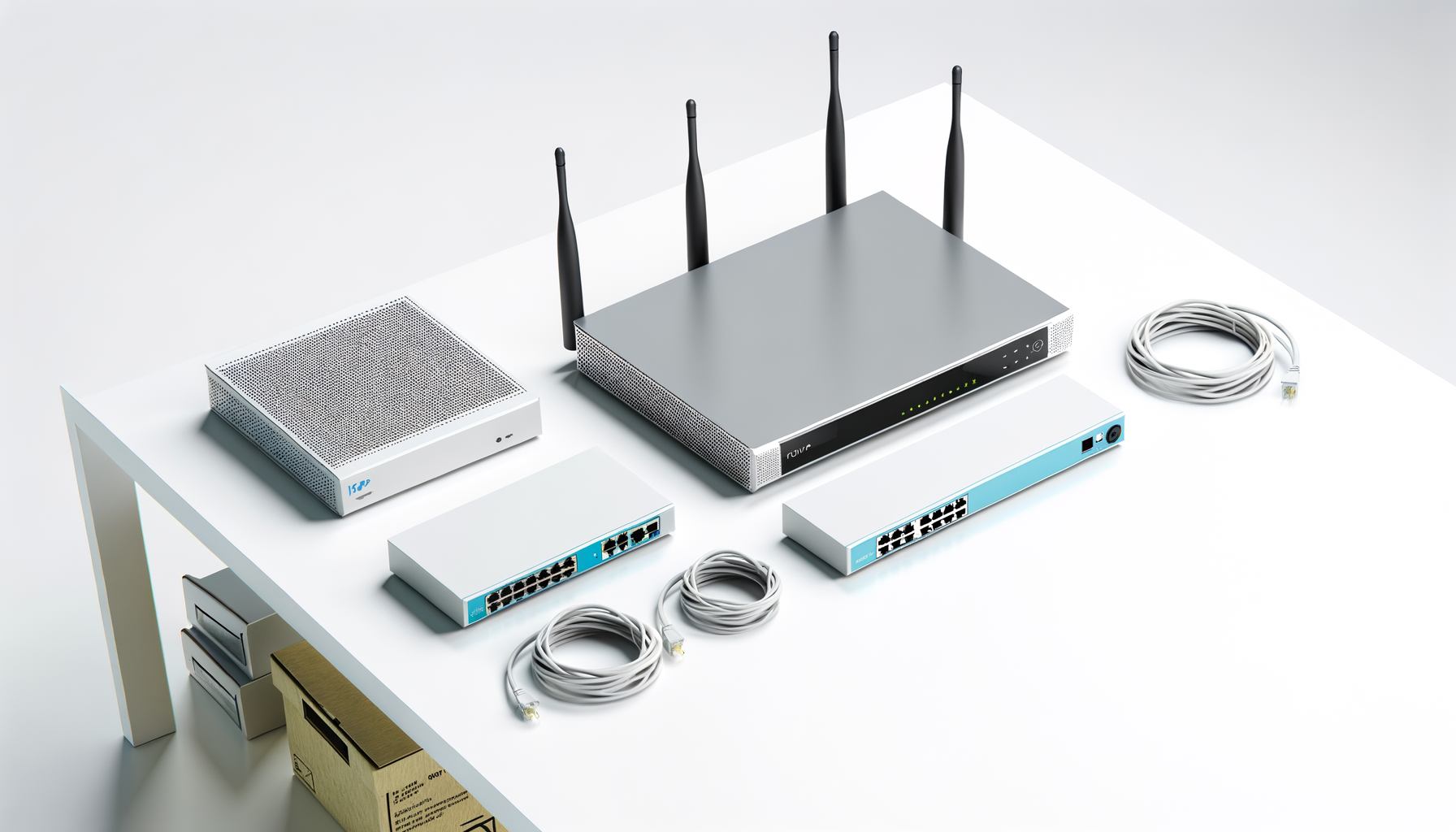
A firewall acts like a barrier between your devices and outside threats. Many routers have built-in firewalls. Make sure it’s turned on. If you want extra protection, consider using a firewall device specifically for your network. It can help monitor and prevent suspicious activity.
6. Monitor Your Network
Keep an eye on what devices are connected to your network. Most routers let you see this in the settings. If you notice something weird or a device you don’t recognize, kick it off your network. It's better to be safe than sorry.
7. Use Strong Encryption
When you set up your Wi-Fi, make sure you’re using WPA3 encryption if your router supports it. If not, WPA2 is still pretty good. Avoid older encryption methods like WEP, as they’re easy to crack. Strong encryption helps keep your network secure.
8. Be Cautious with Voice Assistants
Devices like Amazon Echo or Google Home can be great, but they can also listen in on conversations. Check privacy settings and mute the device when you don’t want to be heard. Also, be careful with what you say around them. You never know who might be listening.
9. Regularly Review Device Permissions
Some apps linked to your IoT devices may ask for permissions to access your data or other features. Review these regularly. Only give permissions that are necessary for the device to function. Less access means less risk.
10. Educate Yourself
Stay informed about the latest security threats and how to protect yourself. Follow tech blogs, listen to podcasts, or join online forums. The more you know, the better you'll be at keeping your devices safe.
Final Thoughts
Securing your IoT devices doesn’t have to be overwhelming. Just follow these steps, and you’ll be well on your way to a safer home network. Remember, it’s all about taking small, manageable steps. You don’t have to do everything at once. Just pick a few things to start with and build from there. Your smart devices can be a great part of your home, but keeping them secure is just as important.