Understanding Device Prioritization
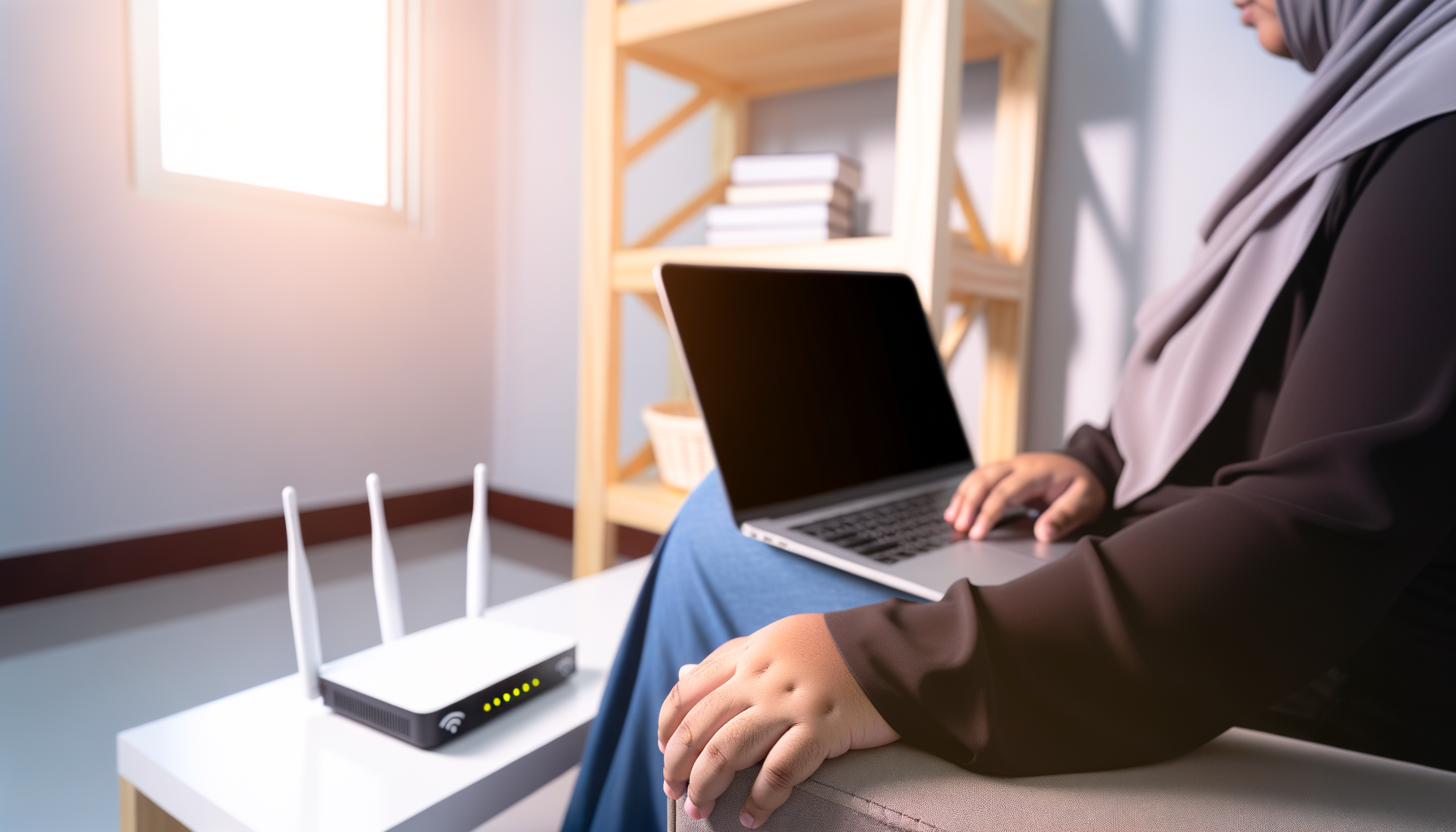
Ever felt like your internet slows down when everyone is streaming or gaming? It’s frustrating, right? Device prioritization is a way to manage your network so the important stuff gets the bandwidth it needs. This can make a huge difference, especially if you have multiple devices working at the same time.
What is Device Prioritization?
Device prioritization lets you control which devices get more bandwidth. Think of it like giving your favorite guests the best seats at a dinner party. You want your laptop or gaming console to have a smooth experience while your smart fridge can wait its turn.
Why You Need It
- Slow Connections: When too many devices are using the internet, everything slows down.
- Gaming and Streaming: These activities require more bandwidth. Prioritizing them can help avoid lag.
- Work from Home: If you’re working remotely, you need a stable connection for video calls and uploads.
How to Prioritize Devices on Your Network
Now that you know what device prioritization is, let’s get into how to actually do it. The steps can vary based on your router brand, but here’s a general guide to get you started.
Step 1: Access Your Router's Settings
To get into your router settings, you’ll need to connect to it first. You can do this through a web browser. Here’s how:
- Open a web browser and type your router’s IP address into the address bar. Common addresses are 192.168.1.1 or 192.168.0.1.
- Log in with your username and password. If you haven’t changed these, they might still be the default ones. Check your router’s manual or look online for the defaults.
Step 2: Find the Device List
Once you’re in, look for a section called